
What is a headless CMS?
A headless CMS is a content management system without a built-in presentation layer: it manages content centrally and delivers it via an API to any channel—such as a website, app, online store, or digital displays.
Headless CMS: definition
In a traditional CMS, content management and website presentation are tightly linked. A headless CMS separates the two: the “head”—that is, the frontend—is missing. What remains is a content backend that stores text, images, and product data in a structured way and makes it available via interfaces.
How the content ultimately looks is decided by the respective frontend. That might be a website built with React or Vue, an app, or an entirely different system. Well-known solutions include Strapi, Directus, Storyblok, Contentful, and Sanity; WordPress can also be run headless.
How a headless CMS works
Editors maintain content in structured fields—for example, headline, teaser, image, or product number. The content is not stored as a finished page but as data. Frontends retrieve it via a REST or GraphQL API and display it in a way that suits each channel.
Because content exists as structured data, it can also be processed automatically—for product feeds, translations, or output in an AI chatbot, for example.
- Content model: defines content types and fields
- API: delivers content to all connected channels
- Frontend: freely selectable, e.g., Next.js, Nuxt, or an app
- Webhooks: trigger a rebuild of the pages when content changes
Benefits and limitations of a headless CMS
Content is maintained once and used everywhere. The frontend can be modernized independently, and statically generated pages load very quickly. And because the admin area is not directly connected to the public website, the attack surface is reduced as well.
On the other hand, the development effort is higher: a frontend has to be custom-built, and depending on the system, a true preview in the page layout is only possible to a limited extent or with additional effort. For a small company website, a traditional CMS is often more cost-effective.
- One content repository for website, app, and other channels
- Free choice of frontend technology
- Very fast loading times possible
- Higher initial effort than with traditional systems
Real-world example: when headless pays off
A manufacturer maintains product descriptions, data sheets, and manuals for its website, dealer portal, and service app. Until now, they were maintained three times—with the inconsistencies you would expect. With a headless CMS, all content is in one place, each channel retrieves it via API, and changes are immediately up to date everywhere.
Headless pays off above all with multiple output channels, high performance requirements, or large volumes of multilingual content. Nano Concepts designs content models, sets up headless systems, and develops the matching frontends.
Frequently asked questions about Headless CMS
“Headless” means “without a head”: the CMS lacks a built-in presentation layer. It only delivers content; how that content is displayed is determined by a separate frontend. The term therefore describes an architecture, not a specific product.
Yes. Modern systems offer user-friendly interfaces, roles, and approvals. How well the preview works depends on the chosen system and the implementation.
It can enable very fast pages, which benefits users and search engines alike. The prerequisite is a frontend that delivers content server-side or statically and sets metadata properly.
Matching services
Headless CMS
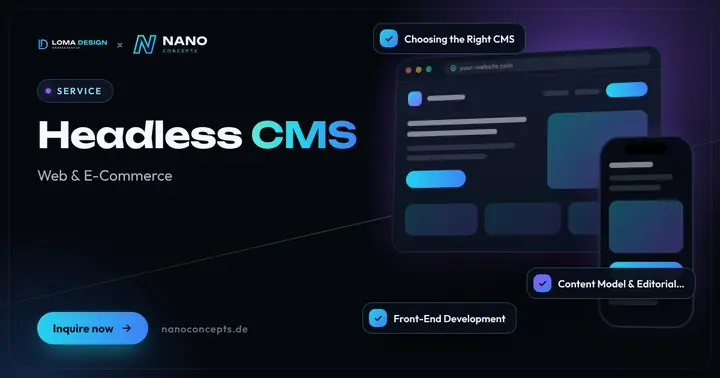
Maintain content centrally and publish it to your website, app and other channels – with a fast front end and clear editorial workflows.
Learn more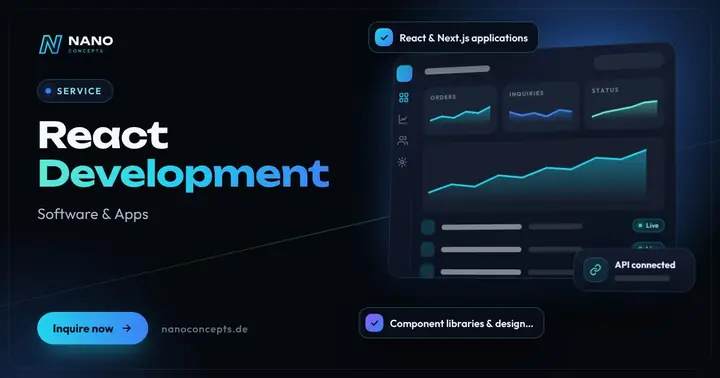
React Development
Frontends with React, Next.js and TypeScript – for web apps, dashboards and portals that stay fast and maintainable.
Learn more
Web Development
Websites with real functionality: calculators, forms, customer portals and integrations – cleanly programmed and fast.
Learn moreRelated terms
Relevant for these industries
Related magazine articles
Headless CMS: Strategy, Content Model, Preview and Migration
A headless CMS separates content from presentation and serves your website, app and partner channels from one source. What matters for the decision, content model, preview and migration.
Read more
WCAG 2.2 and BITV 2.0 in Practice: Implementing Web Accessibility
How to implement a website to WCAG 2.2 AA: new criteria, clear responsibilities across design, development and editorial, effective testing and a checklist for your relaunch.
Read more
B2B Marketing Automation and Lead Nurturing: From Click to Sales
Marketing automation only works when the processes are clear beforehand. Here is how to build lead nurturing with scoring, journeys and a CRM handover while respecting consent and data protection.
Read more
