
WordPress or a website builder like Wix and Jimdo – which is the better fit?
Both paths lead to a professional website – but with very different consequences for flexibility, running costs and dependence on a provider. Here you can see the strengths and weaknesses of WordPress, Wix and Jimdo side by side.
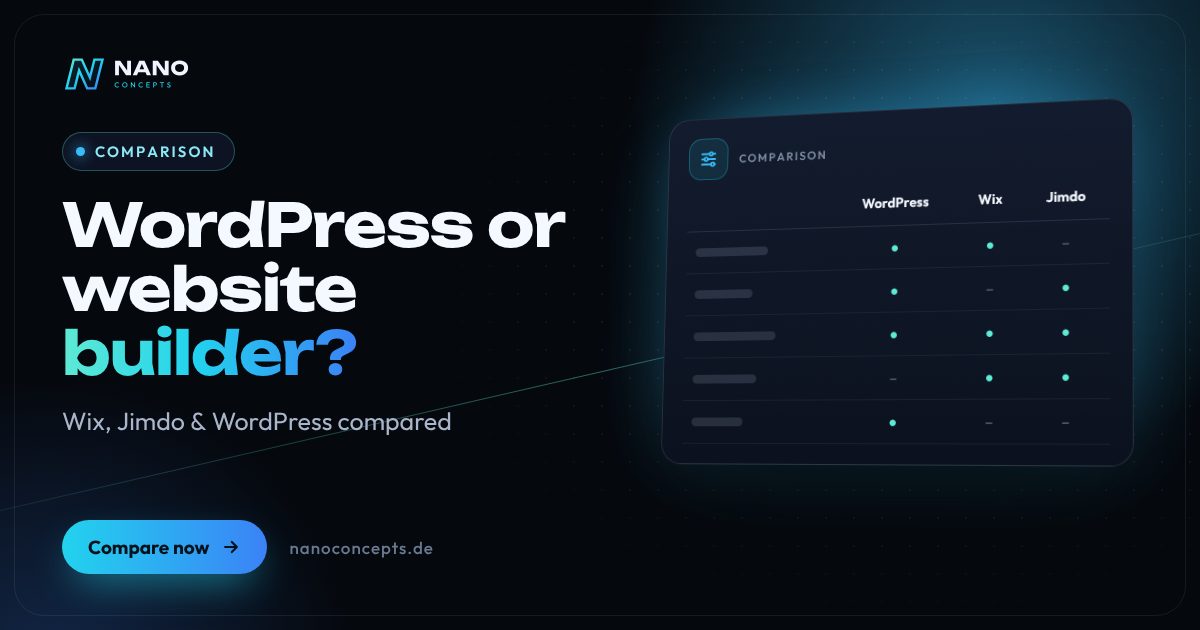
A website builder like Wix or Jimdo is the right choice if you want to run a small website with only a few pages yourself, quickly and without technical effort – the provider takes care of hosting, security and updates. WordPress is the better choice as soon as the website needs to grow, be optimized specifically for SEO, be extended with a store, booking or integrations, or stay independent of any one provider. The key difference: with a website builder you rent a platform, while with WordPress the website and its data belong to you.
Strengths and weaknesses at a glance
WordPress
Open-source CMS that you run with a hosting provider of your choice (self-hosted via WordPress.org). Extensible through themes and plugins – from a company website to an online store.
Strengths
- Full control over code, content and data – you can move to another host at any time
- Very large ecosystem of themes, plugins and service providers
- Excellent SEO options, down to the technical detail
- Grows with you: store (WooCommerce), multilingual sites, member areas, integrations
Weaknesses
- Updates, backups and security are up to you or a service provider
- Setup and learning curve are more demanding than with a website builder
- Too many or poorly maintained plugins make the site slow and vulnerable
Ideal for: Businesses whose website is meant to become a growing sales channel with SEO, features and integrations.
Wix
Hosted website builder with a free-form drag-and-drop editor, templates and an app market. The provider handles hosting, security and technology as part of a subscription.
Strengths
- Very flexible design via drag and drop, no coding skills required
- Hosting, SSL certificate and security updates are included in the subscription
- Many built-in features such as forms, bookings, blog and store
- Quick start without setting up a server or software
Weaknesses
- No export of the complete website – switching providers usually means rebuilding from scratch
- Ongoing subscription costs; feature set tied to plans and Wix apps
- Less control over code, load time and technical details
Ideal for: Freelancers and small businesses that want creative freedom and maintain the site themselves.
Jimdo
Website builder from Hamburg-based provider Jimdo, designed for maximum simplicity. The editor guides you step by step to a finished site, hosting included.
Strengths
- Especially easy to use, even for beginners with no web experience
- German provider with a German-language interface and German support
- Hosting, domain connection and security from a single source
- Low maintenance effort for small sites with only a few subpages
Weaknesses
- Design and layouts are far more limited than with Wix or WordPress
- Few extensions; complex features are hardly feasible
- As with any website builder: tied to the platform, no complete migration possible
Ideal for: Sole proprietors, associations and small businesses that want to get a simple business-card website online quickly.
The most important criteria compared side by side
| Criterion | WordPress | Wix | Jimdo |
|---|---|---|---|
| Getting started & usability | Learning curve required; block editor for content | Easy, very flexible drag-and-drop editor | Very easy, guided editor |
| Design freedom | Nearly unlimited (theme or custom design) | High within the editor | Limited, predefined layouts |
| Extensibility | Very high: plugins and custom development | Medium: Wix apps and custom code | Low |
| SEO control | Very high, down to technical details | Good for standard requirements | Basic features |
| Hosting & maintenance | Your own responsibility or a service provider | Included in the subscription | Included in the subscription |
| Data ownership & migration | Full data ownership, migration possible at any time | Platform lock-in, no complete export | Platform lock-in, no complete export |
| Cost structure | Hosting, domain, premium plugins if needed, and maintenance | Monthly or annual subscription | Monthly or annual subscription |
| Store & features | Scalable, e.g. with WooCommerce | Integrated store depending on plan | Simple store depending on plan |
| Best suited for | Growing business websites | Small to mid-sized sites | Small, simple sites |
Website builder or WordPress: rent or own?
The most important difference between a website builder and WordPress isn't ease of use, but the operating model. With Wix or Jimdo, you rent a ready-made platform: editor, hosting and technology come from a single source, but in return your website stays tied to that provider. WordPress is free software that you install with a hosting provider of your choice. You decide on the server location, extensions and design – and in return you are responsible for maintenance and security.
The same principle applies to the website builders of the big hosting companies: whether it's the IONOS builder or WordPress, the Strato builder or WordPress, the question is always whether you are trading convenience for lock-in. Many hosts offer both side by side. The difference between WordPress.org (self-hosted, fully flexible) and WordPress.com (hosted service with plan-dependent restrictions) also matters. In this comparison, WordPress means the self-hosted version.
Wix or WordPress: which is better for SEO and growth?
Google doesn't favor any particular system. What counts is load time, a clean structure, good content and technical details such as redirects, structured data and internal linking. Wix has expanded its SEO tools considerably in recent years and is usually sufficient for a local business website with a few pages. WordPress plays to its strengths when you plan many pages – such as service and location pages, a guide section or a store – and want to control every detail yourself.
The difference also shows in how the site grows. New features such as appointment booking, customer login, CRM integration or multilingual content can be added to WordPress through plugins or custom development. With a website builder, you depend on what the provider and its app market offer. For many small websites that is perfectly sufficient – things only get tight when the website becomes your central sales channel and requirements arise that the builder can't cover.
Build your website yourself or have it built?
Website builders advertise that anyone can build a website without prior experience – and technically, that's true. What most people underestimate is the effort behind everything that makes a website sell: clear positioning, convincing copy, good images, a well-thought-out page structure and mandatory details such as the legal notice (Impressum), privacy policy and cookie consent. If you do this work yourself, you save budget, but you invest time that is missing from your day-to-day business.
Having it built is worthwhile above all if the website is meant to bring in inquiries on a regular basis. An agency can either set up a website builder professionally or set up a WordPress website that you then maintain yourself. At Nano Concepts, costs are based on our packages: Starter from €2,500, Professional from €8,000 and Enterprise priced individually. You will receive the exact quote after the free initial consultation – together with our partner agency LOMA DESIGN, design and copywriting can also be included.
Migrating from Wix or Jimdo to WordPress
Many companies start with a website builder and later hit its limits. Migrating to WordPress is possible, but it isn't a one-click job: Wix and Jimdo don't offer an export function for the entire website. Blog posts can sometimes be carried over through feeds or import plugins, while page content, images and forms are usually transferred manually, and the design is rebuilt in WordPress.
So that you don't lose your Google rankings during the move, 301 redirects from all old addresses to the new ones are mandatory, as is carrying over page titles and meta descriptions. Plan the switch as a relaunch with an inventory, a complete URL list and testing before going live. That way, the migration doubles as an improvement in structure, load time and inquiry rate.
For a small, simple presence that you maintain yourself and that mainly serves to inform, a website builder is a solid choice – Jimdo for maximum simplicity, Wix for more creative freedom. If the website should instead generate inquiries, grow with SEO, gain features such as booking or a store and stay independent of any one provider, we recommend WordPress or, for special requirements, a custom solution. Nano Concepts advises you independently of the system, implements the right option and, if you wish, takes over maintenance and updates.
We implement all options
WordPress Development
WordPress websites with a custom theme and bespoke plugins – fast, secure and easy to maintain.
Learn more
Web Design
Websites that show your brand clearly and guide visitors straight to an inquiry – designed with LOMA DESIGN.
Learn more
Web Development
Websites with real functionality: calculators, forms, customer portals and integrations – cleanly programmed and fast.
Learn more
Technical SEO & Relaunch
Relaunch and technical SEO with a redirect plan, load-time optimization and monitoring – together with LOMA DESIGN.
Learn moreFrequently asked questions
Not across the board. WordPress offers more control, extensibility and data ownership, but in return it requires regular maintenance. Wix is more convenient and quicker to get started with, but ties you to the platform and its plans. What matters is how much your website needs to grow.
With a website builder you pay an ongoing subscription whose amount depends on the plan and the features you book. With WordPress, you pay for hosting, a domain, premium plugins if needed and maintenance. If you have the website built for you, our packages serve as a guide: Starter from €2,500, Professional from €8,000 and Enterprise priced individually – the specific quote follows after the free initial consultation.
Jimdo is clearly easier for beginners because the editor is strongly guided and technology plays no role. WordPress requires more learning, but it can be set up so that you can later change texts and images just as conveniently yourself. If WordPress is set up professionally, day-to-day work usually comes down to maintaining content.
Yes, but not at the push of a button, since Wix offers no complete export of the website. Content is transferred partly automatically and partly by hand, and the design is rebuilt in WordPress. With clean 301 redirects and carried-over metadata, ranking losses can largely be avoided.
Reputable website builder providers supply a data processing agreement, but the actual implementation is up to you: the privacy policy, cookie consent and embedded services must be right. With providers outside the EU, you should also check where data is transferred. This does not replace legal advice.
More comparisons & guides
Wix or WordPress – which system is the better foundation for your company website?
Wix is the right choice if you want to build and maintain a manageable company website yourself, quickly, and do not want to take responsibility for technology, hosting…
Learn more
WordPress or TYPO3 – which CMS is right for your company?
WordPress is the right choice for most business websites, blogs and stores, up to mid-sized companies (Mittelstand): quick to set up, easy to use and backed by the…
Learn more
WordPress or a custom-coded website – which is worth it?
WordPress is the efficient choice for classic business websites that editors maintain themselves and that get by with proven features.
Learn more
How to set up a cookie banner correctly: what to consider legally and technically
A cookie banner is in order when non-essential cookies and similar technologies are set only after active, informed consent.
Learn more
How much does a website cost – and what does the price depend on?
What a website costs depends mainly on scope, design ambition, content, features such as appointment booking or a shop, and the technical system.
Learn more
How long does it take to build a website?
How long it takes to build a website depends mainly on scope, features and how quickly texts, images and approvals are ready.
Learn moreNeeds analysis: WordPress or website builder?
Answer a few short questions – we usually get back to you within 24 hours with an initial assessment.
Request a project
