
Flutter or React Native – which framework is right for your app?
Flutter from Google and React Native from Meta are the two leading frameworks for cross-platform apps. Here you can see how they really differ in 2026 and which one fits your project.
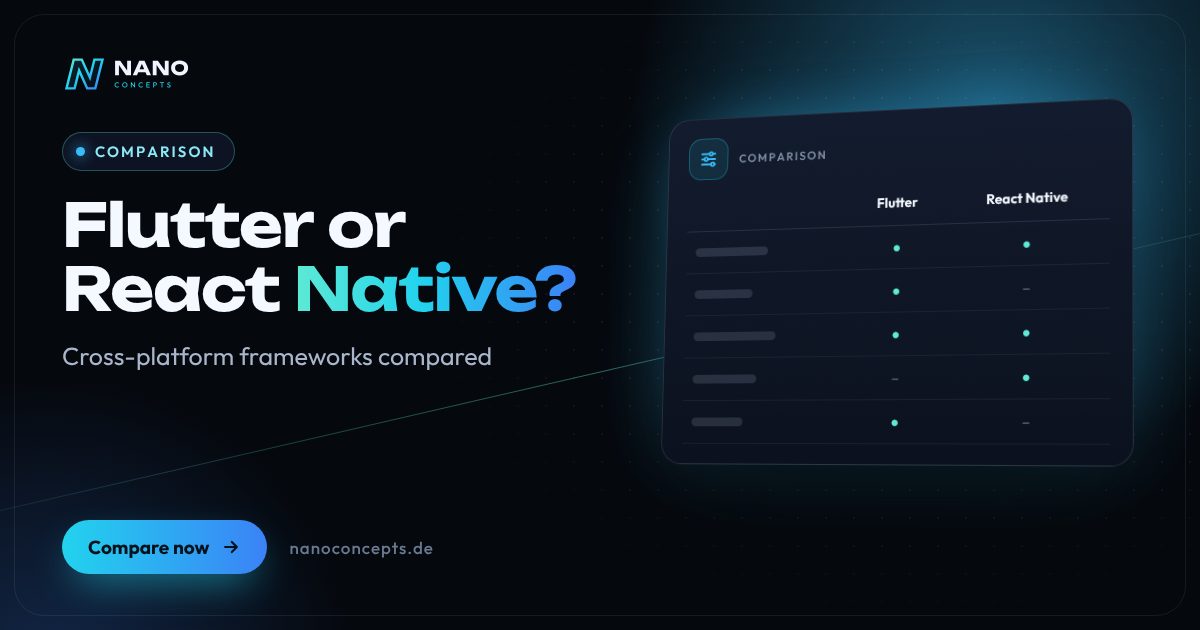
Both frameworks are mature and deliver apps for iOS and Android from a single codebase in near-native quality. React Native is usually the better choice if your team or web platform already relies on JavaScript, TypeScript and React, because knowledge and parts of the logic can be shared. Flutter shines when a precisely uniform, highly individual design across all platforms is the priority and desktop or embedded targets are also of interest. For most business apps, team knowledge, existing systems and long-term maintenance matter more than the technology itself.
Strengths and weaknesses at a glance
Flutter
Open-source UI framework from Google that uses the Dart programming language. Flutter draws the entire interface with its own rendering engine and produces apps for mobile devices, web and desktop from a single codebase.
Strengths
- Pixel-perfect identical appearance on all platforms
- Very smooth animations thanks to its own rendering engine (Impeller)
- Extensive, well-documented widget library directly from the vendor
- One framework for mobile, web, desktop and embedded
Weaknesses
- Dart is not widely used outside of Flutter, so the developer pool is smaller
- UI controls are recreated rather than used natively
- Flutter Web is not well suited for websites that need to rank in search engines
Ideal for: Apps with a strongly brand-driven, individual design and teams without an existing React codebase.
React Native
Open-source framework from Meta for building apps in JavaScript or TypeScript on top of React. The interface consists of real native UI controls, usually combined with the Expo framework.
Strengths
- JavaScript/TypeScript and React – a very large developer pool
- Real native UI controls with the typical iOS and Android feel
- Knowledge and logic can be shared with React web applications
- The New Architecture and Expo simplify development, builds and updates
Weaknesses
- Greater dependence on third-party libraries
- Version upgrades can be laborious with many native modules
- Platform differences sometimes require separate adjustments
Ideal for: Companies with React or JavaScript know-how and a web platform that want to share knowledge between web and app.
The most important criteria compared side by side
| Criterion | Flutter | React Native |
|---|---|---|
| Vendor | Meta | |
| Programming language | Dart | JavaScript / TypeScript |
| Rendering | Own engine, own widgets | Native UI controls of the platform |
| Design consistency | Identical on all platforms | Platform-typical, deviations possible |
| Developer availability | Growing, smaller pool | Very large thanks to the JavaScript ecosystem |
| Code sharing with the web | Via Flutter Web, not well suited for SEO | Logic and knowledge shareable with React web apps |
| Other platforms | Web, Windows, macOS, Linux, embedded | Web via React Native Web, Windows and macOS via Microsoft projects |
| Tooling & updates | Hot reload, comprehensive tooling from the vendor | Fast Refresh, Expo with cloud builds and over-the-air updates |
| Firebase integration | Official FlutterFire packages | Established community libraries |
Flutter vs. React Native: the core technical difference
Flutter ships with its own rendering engine and draws every UI element itself – much like a game. As a result, the app looks exactly the same on an iPhone and an Android device, and even elaborate animations run smoothly. React Native, by contrast, assembles the interface from the operating system's real native UI controls. The app therefore automatically feels like iOS or Android, respectively, but can differ in detail between the platforms.
Both approaches have made big strides in recent years. With Impeller, Flutter relies on a new rendering engine that reduces jank the first time animations play. React Native has made its New Architecture the standard, which makes communication between JavaScript and native code considerably more efficient. For typical business apps, performance differences between the two frameworks are hardly noticeable in everyday use.
Team, ecosystem and maintenance matter too
For companies, the most important question is often not the technology but the availability of know-how. React Native uses JavaScript and TypeScript, the most widespread languages in web development. If you already run a React or Next.js application, you can share knowledge, parts of the business logic and developers between web and app. Dart, by contrast, is used almost exclusively with Flutter; good Flutter developers are in demand, but the pool is smaller.
The structure of the ecosystems differs, too. Flutter provides many building blocks directly from the vendor, which creates consistency. React Native relies more on community libraries, which offer a large selection but must be chosen carefully and kept up to date. In both cases: plan for regular updates, because Apple and Google continually demand adaptations to new operating system versions and store requirements.
React Native vs. Expo, Firebase and Ionic: common questions
“React Native vs. Expo” isn't really an either-or: Expo is a framework and platform built on React Native that greatly simplifies setup, cloud builds and over-the-air updates. The official React Native documentation now recommends starting new projects with such a framework. Firebase can be used with both frameworks – with Flutter via official packages, with React Native via established community libraries.
Ionic belongs in a different category: it relies on web technologies in a native shell and is mainly suitable when an existing web application is to be reused. Flutter and React Native, by contrast, produce natively rendered apps with better performance for demanding interfaces. If you're weighing cross-platform against classic native development with Swift and Kotlin, you should also consider device access, platform features and team structure.
If you already use React on the web or are looking for a large developer pool in the long term, React Native is usually the more pragmatic choice. If a distinctive design that is identical on all devices is the focus, or if you also plan desktop or embedded applications, there is a lot to be said for Flutter. Both are actively developed and production-ready. Nano Concepts develops cross-platform apps, evaluates your requirements, existing systems and team, and recommends the framework that you can run most economically in the long term – not the one that happens to be trending.
We implement both approaches
Mobile Apps
Apps for iOS and Android – from concept and design through development to publishing in the stores.
Learn more
React Native Apps
React Native apps for iPhone and Android from one codebase – native feel, push, offline and store release included.
Learn more
React Development
Frontends with React, Next.js and TypeScript – for web apps, dashboards and portals that stay fast and maintainable.
Learn moreFrequently asked questions
For elaborate animations and graphics-heavy interfaces, Flutter has a structural advantage thanks to its own rendering engine. Since React Native's New Architecture, the difference is hardly noticeable in everyday use for typical business apps. More important than the framework are clean architecture, efficient data queries and optimized lists and images.
Both frameworks are actively developed and used by large companies in production apps; there is no clear winner. The decision depends on your team, existing web technologies and your design requirements. With React know-how, there is much to be said for React Native; for an exactly uniform design across many target platforms, much for Flutter.
React Native is the framework; Expo is a tooling and platform package built on top of it. Expo simplifies project setup, access to device features, cloud builds and updates of JavaScript code without a new store release. For most new React Native projects, Expo is the recommended starting point today.
Yes, both support the web: Flutter via Flutter Web, React Native via React Native Web. This works well for internal tools and app-like applications; for search-engine-optimized websites, web frameworks such as Next.js are a better fit. Often the best solution is a combination of web platform and app with shared logic.
The costs depend mainly on the feature scope, design, interfaces, offline requirements and backend, and hardly at all on the framework. Compared with two separate native apps, both usually save effort because only one codebase is created. Our packages serve as a guide: Starter from €2,500, Professional from €8,000 and Enterprise priced individually – the exact quote follows after the free initial consultation.
More comparisons & guides
Native or cross-platform app: Swift and Kotlin, Flutter, React Native or hybrid?
Cross-platform with Flutter or React Native is the most economical route for most business and consumer apps today, because a shared codebase serves iOS and Android in…
Learn more
Native app or progressive web app (PWA) – which is better?
A PWA is enough if your app mainly handles content, forms, bookings or orders, should work without an app store and needs to be available quickly on all devices.
Learn more
React or Next.js – which setup is right for your web application?
“React or Next.js” is not a question of opposites: Next.js is a framework built on top of React that adds routing, server-side rendering and a ready-made build setup.
Learn more
How much does it cost to publish an app on the App Store and Play Store?
To publish on the Apple App Store, you need a membership in the Apple Developer Program for $99 per year; for the Google Play Store, you pay a one-time $25 for the…
Learn more
How to find an app developer: what matters when choosing?
You find the right app developer by first describing your project briefly and then choosing based on experience with comparable apps, neutral technology advice, clear…
Learn more
WordPress or a website builder like Wix and Jimdo – which is the better fit?
A website builder like Wix or Jimdo is the right choice if you want to run a small website with only a few pages yourself, quickly and without technical effort – the…
Learn moreNeeds analysis: Flutter or React Native?
Answer a few short questions – we usually get back to you within 24 hours with an initial assessment.
Request a project
