
Native or cross-platform app: Swift and Kotlin, Flutter, React Native or hybrid?
Two native apps, one shared codebase or a web app in a native shell – the technology choice determines budget, team structure and maintenance for years. This comparison shows the three paths with their real strengths and limits.
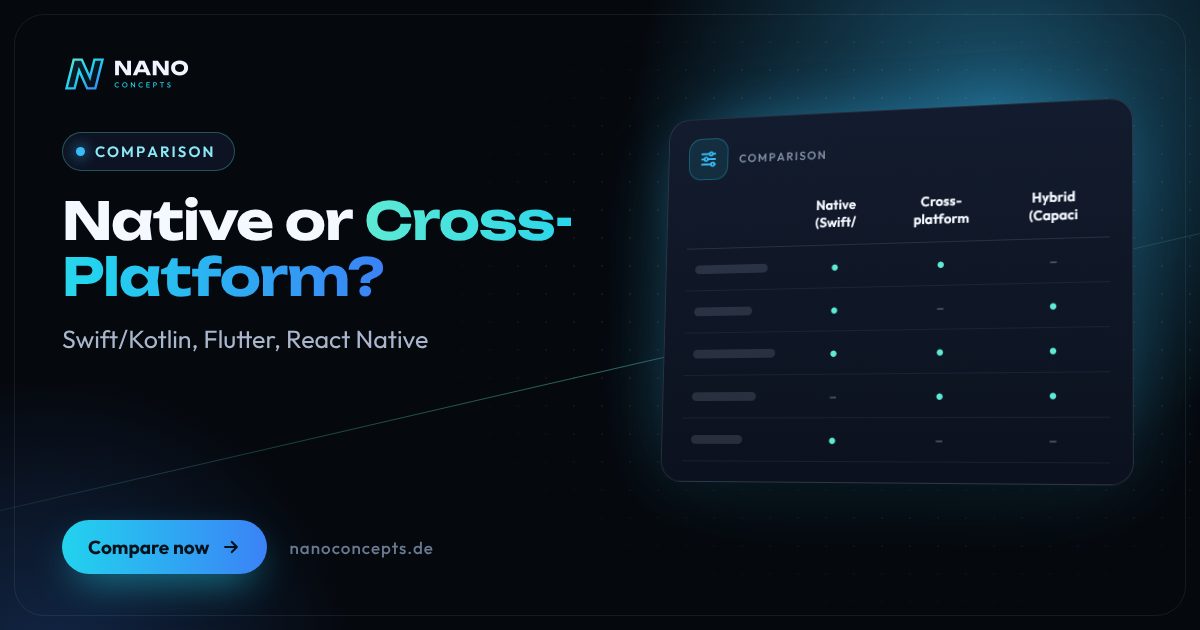
Cross-platform with Flutter or React Native is the most economical route for most business and consumer apps today, because a shared codebase serves iOS and Android in near-native quality. Purely native development with Swift and Kotlin pays off if new operating system features are to be used right away, if hardware such as sensors, AR or Bluetooth is central, or if top performance is required. Hybrid apps with Capacitor or Ionic make sense if an existing web application is to go into the stores with manageable effort.
Strengths and weaknesses at a glance
Native (Swift/Kotlin)
Two standalone apps: for iOS with Swift and SwiftUI, for Android with Kotlin and Jetpack Compose. Each app directly uses the tools and interfaces of its operating system.
Strengths
- New iOS and Android features are usable right away
- Maximum performance and full control over memory and hardware
- Full support for widgets, smartwatch, AR and system integration
- No dependence on an additional framework
Weaknesses
- Two codebases that are developed, tested and maintained in parallel
- Highest effort and specialized know-how for each platform
- New features often reach the two platforms at different times
Ideal for: Apps in which hardware, system integration or performance form the core of the product.
Cross-platform (Flutter/React Native)
One shared codebase for iOS and Android that is compiled natively or rendered with native UI controls. Platform-specific parts are added through native modules where needed.
Strengths
- One codebase for both platforms, features appear at the same time
- Near-native performance for typical applications
- Large ecosystem and good developer availability, especially with React Native
- Native modules can be added at any time for special cases
Weaknesses
- New operating system features often usable only after a framework update
- Additional dependence on the framework and libraries
- Very hardware-level features still require native code
Ideal for: Most business, service and consumer apps that are meant to launch on both platforms at the same time.
Hybrid (Capacitor/Ionic)
A web application made of HTML, CSS and JavaScript runs in a native shell (WebView). Plugins connect it to the camera, files, push notifications and other device features.
Strengths
- Reuse of an existing web app or PWA
- Web developers can contribute without switching technologies
- One codebase for iOS, Android and web
- Fast route into the App Store and Google Play
Weaknesses
- Noticeably lower performance with complex interfaces and animations
- Usability feels less native without fine-tuning
- Risk of rejection in the App Store if the app is merely a website wrapper
Ideal for: Form- and data-heavy business apps, employee apps and projects with an existing web application.
The most important criteria compared side by side
| Criterion | Native (Swift/Kotlin) | Cross-platform (Flutter/React Native) | Hybrid (Capacitor/Ionic) |
|---|---|---|---|
| Codebases | Two (iOS and Android) | One, plus native modules | One, also for the web |
| Performance | Maximum | Near-native | Good for simple interfaces |
| New OS features | Immediately | After framework update or via native module | Via plugins, sometimes delayed |
| Look & feel | Fully platform-typical | Native or uniformly designed | Web-based, close to native with fine-tuning |
| Required know-how | Swift and Kotlin | Dart or JavaScript/TypeScript | Web technologies |
| Development effort | Highest | Medium | Lowest |
| Maintenance | Maintain two apps | One app plus framework updates | One app plus plugin upkeep |
| Typical use cases | Hardware, AR and performance apps | Business and consumer apps | Form apps, portals, internal tools |
Native vs. cross-platform app: where the difference lies today
Not long ago the decision was simple: native for quality, cross-platform for budget. Today, in most applications Flutter and React Native reach a quality that users can't tell apart from native apps. The difference lies mainly at the edges: with very hardware-level features, with the very latest operating system features right at launch, and with compute-intensive tasks such as image processing or augmented reality.
Native development with Swift and Kotlin means two codebases. Every feature is implemented, tested and maintained twice. In return, compromises and dependence on an additional framework disappear. For apps such as smart-home controls, connections to medical or measuring devices, or camera applications with real-time processing, this extra effort can be worth it – for an appointment, service or customer app, usually not.
Flutter, Swift or Kotlin: what does it mean for your team?
Choosing a technology is also a staffing decision. For native apps you need know-how in Swift and SwiftUI as well as in Kotlin and Jetpack Compose. Flutter relies on Dart, React Native on JavaScript and TypeScript, hybrid apps on classic web technologies. If you employ web developers in-house, you'll make the fastest progress with React Native or Capacitor; a team with Android experience will find its way around Kotlin-based approaches more easily.
An interesting middle ground is Kotlin Multiplatform: the business logic is written once in Kotlin and used on both platforms, while the interface stays native or is shared with Compose Multiplatform. This is particularly attractive if a native Android app already exists. Whichever approach you take, pay attention to documentation and widely used technologies so that you don't become dependent on individual people.
Capacitor, .NET MAUI, NativeScript: other options at a glance
Capacitor is regarded as the modern successor to Cordova and is the foundation of Ionic. It is suitable if a web app or PWA should also appear as a store app. In the “React Native vs. Capacitor” comparison, the interface is what mainly decides: React Native renders native UI controls, while Capacitor shows a web interface in a WebView. For data-driven forms that is often enough; for demanding animations, React Native has the advantage.
For companies with a Microsoft stack, .NET MAUI is interesting, the successor to Xamarin, whose support Microsoft ended in May 2024. MAUI enables apps in C#, but has a smaller ecosystem than Flutter or React Native. NativeScript allows direct access to native interfaces via JavaScript, but is far less widespread. For new projects without special requirements, we generally recommend Flutter, React Native or targeted native development.
For most apps we recommend cross-platform with Flutter or React Native: one codebase, a simultaneous launch on both platforms and a quality that convinces users. Native development with Swift and Kotlin is the right choice when hardware, the latest system features or performance make up the product. Hybrid with Capacitor is worthwhile if a web application already exists and needs to get into the stores quickly. Nano Concepts implements all three paths and chooses the technology based on use case, team and the cost over the entire lifetime of the app.
We implement all options
Mobile Apps
Apps for iOS and Android – from concept and design through development to publishing in the stores.
Learn more
React Native Apps
React Native apps for iPhone and Android from one codebase – native feel, push, offline and store release included.
Learn more
Progressive Web Apps
Installable web apps with offline mode and push – one codebase for smartphone, tablet and desktop, no app store required.
Learn more
Employee App
Your own app for your team: news, chat, shift schedules, forms and documents – also for employees without a desk or PC.
Learn moreFrequently asked questions
No. Native apps have the edge in performance and hardware access, but for most applications Flutter or React Native deliver an equivalent user experience. Native is mainly worthwhile when system features, sensors or compute-intensive tasks are the focus.
If the app is to appear on iOS only and be deeply integrated into the Apple ecosystem, for example with widgets, Apple Watch or the latest system features, Swift is the first choice. If Android is planned in the medium term or a uniform design is the priority, Flutter saves a second codebase. What matters is your platform strategy for the next few years.
Kotlin is the standard language for native Android apps and, with Kotlin Multiplatform, can also be used for shared logic on iOS. Flutter, by contrast, offers a completely shared interface for both platforms. If you already have a native Android app or a Kotlin team, Kotlin Multiplatform is worth considering; otherwise Flutter is usually the faster route to two platforms.
A hybrid app displays a web interface in a native shell, for example with Capacitor or Ionic. Cross-platform frameworks such as Flutter and React Native, by contrast, produce natively rendered interfaces. Both share one codebase for iOS and Android, but differ in performance and feel.
Two native apps generally involve more development and maintenance effort than one cross-platform app because much of the work is done twice. The actual costs depend on features, design, backend and interfaces. Our packages serve as a guide: Starter from €2,500, Professional from €8,000 and Enterprise priced individually – the exact quote follows after the free initial consultation.
More comparisons & guides
Flutter or React Native – which framework is right for your app?
Both frameworks are mature and deliver apps for iOS and Android from a single codebase in near-native quality.
Learn more
Native app or progressive web app (PWA) – which is better?
A PWA is enough if your app mainly handles content, forms, bookings or orders, should work without an app store and needs to be available quickly on all devices.
Learn more
Do I need an app, or is a website enough?
App or website?
Learn more
How much does it cost to publish an app on the App Store and Play Store?
To publish on the Apple App Store, you need a membership in the Apple Developer Program for $99 per year; for the Google Play Store, you pay a one-time $25 for the…
Learn more
How to find an app developer: what matters when choosing?
You find the right app developer by first describing your project briefly and then choosing based on experience with comparable apps, neutral technology advice, clear…
Learn more
How much does a web app cost – and what drives the price?
What a web app costs depends mainly on its scope of features, user roles, data model, integrations with other systems, design ambition and ongoing operation.
Learn moreNeeds analysis: Native or Cross-Platform?
Answer a few short questions – we usually get back to you within 24 hours with an initial assessment.
Request a project
