
Native app or progressive web app (PWA) – which is better?
The choice between a native app, a PWA and a hybrid app affects budget, reach and user experience alike. Here you will find the differences, limits and typical use cases – as of 2026.
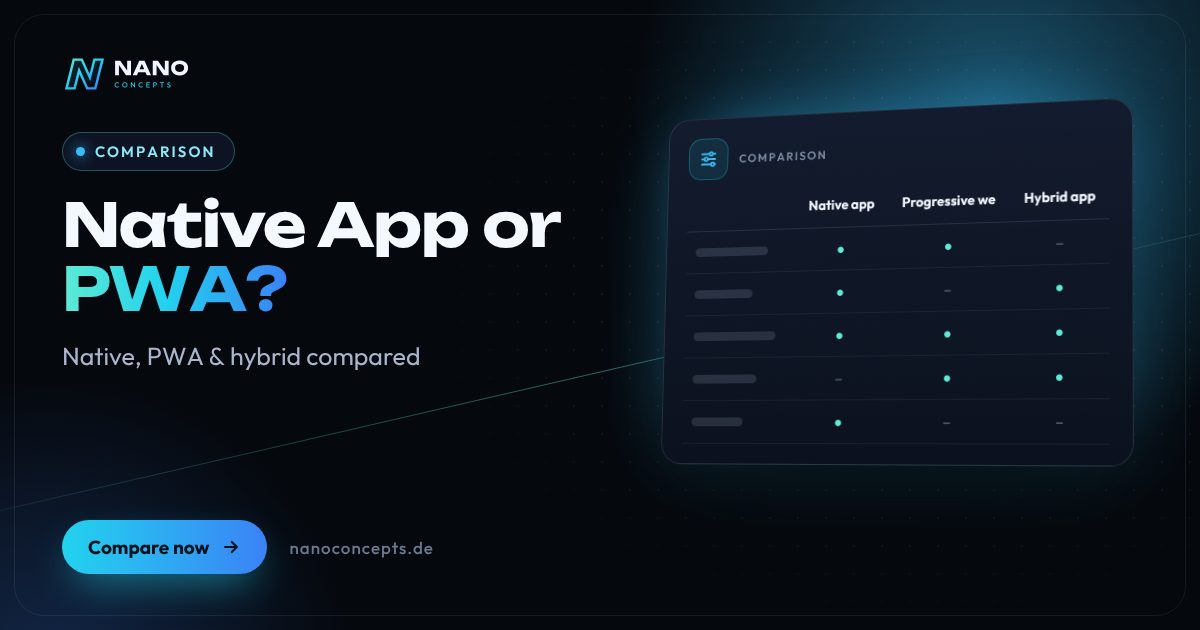
A PWA is enough if your app mainly handles content, forms, bookings or orders, should work without an app store and needs to be available quickly on all devices. A native app is the right choice for high performance requirements, deep access to device features such as Bluetooth or NFC, and when a presence in the App Store and on Google Play matters. Hybrid apps combine web technology with store distribution and are a good fit for form-heavy business apps.
Strengths and weaknesses at a glance
Native app
App developed for iOS and Android and installed through the App Store and Google Play – classically with Swift and Kotlin, or natively rendered with frameworks such as Flutter and React Native.
Strengths
- Best performance and smoothest animations
- Full access to Bluetooth, NFC, sensors and background processes
- Visibility and trust through the App Store and Google Play
- Reliable push notifications, widgets and offline features
Weaknesses
- Highest development and maintenance effort
- Store review for every update, plus the platform operators' guidelines
- Users first have to find and install the app
Ideal for: Apps with intensive use, high usability standards or deep device access.
Progressive web app (PWA)
Web application that runs in the browser, can be installed on the home screen and works offline thanks to a service worker. One codebase for all devices, no app store required.
Strengths
- One codebase for smartphone, tablet and desktop
- Usable immediately via a link, no installation through a store needed
- Updates reach all users instantly, without store review
- Discoverable by search engines like a website
Weaknesses
- Limited device access, especially on iOS (e.g. no Web Bluetooth, no Web NFC)
- Push notifications on iPhone only after installation on the home screen
- No automatic presence or visibility in the app stores
Ideal for: Customer portals, ordering and booking applications and internal tools focused on reach and budget.
Hybrid app
Web application in a native shell, for example with Capacitor or Ionic. It is distributed through the stores like a native app and reaches device features via plugins.
Strengths
- Store presence with a largely shared codebase
- An existing web app or PWA can be reused
- Access to many device features via plugins
- Less effort than two separate native apps
Weaknesses
- The interface runs in a WebView and is noticeably slower with elaborate animations
- Dependence on plugins for device features and their maintenance
- Pure website wrappers risk rejection in the App Store
Ideal for: Form- and data-heavy business apps that need to get into the stores without building two native apps.
The most important criteria compared side by side
| Criterion | Native app | Progressive web app (PWA) | Hybrid app |
|---|---|---|---|
| Performance | Very high | Good for typical applications | Good, limited with animations |
| Device access | Full | Limited, especially on iOS | Extensive, via plugins |
| Distribution | App Store and Google Play | Via link, installation from the browser | App Store and Google Play |
| Updates | Through store review | Instant, no store | Via store; web content partly instant |
| Offline capability | Full | Via service worker | Fully possible |
| Push notifications | Yes | Yes, on iOS only after installation | Yes |
| Codebase | Per platform or shared via cross-platform framework | One for all devices | One, plus native shell |
| Discoverability | Via app store search | Via Google and other search engines | Via app store search |
| Development effort | Highest | Lowest | Medium |
PWA vs. native app: the differences explained simply
A native app is built for one operating system, published in the store and installed on the device. It talks directly to the camera, sensors, Bluetooth and background services. A progressive web app, by contrast, is a modern web application: it runs in the browser, but can be placed on the home screen, launches in full screen and works without a network thanks to a service worker. To users, both feel like an app – technically, they are different worlds.
The distinction between “web app and PWA” often causes confusion. Every PWA is a web app, but not every web app is a PWA: only a web app manifest, a service worker and HTTPS make it installable and offline-capable. A simple web app permanently needs an internet connection and remains a browser tab. You can read more about the business benefits in our magazine article “Progressive Web Apps: Offline Capability and Business Case.”
Performance, device access and iOS: where PWAs hit their limits
For content, forms, catalogs, bookings or dashboards, the performance of a well-built PWA is hardly distinguishable from a native app in everyday use. Differences show up with compute-intensive tasks, elaborate animations, large offline data volumes and functions that have to run permanently in the background – such as location tracking or synchronizing large data sets.
The biggest restrictions affect iPhone and iPad. Safari doesn't support interfaces such as Web Bluetooth or Web NFC, push notifications only work once the PWA has been installed on the home screen, and background processes are limited. Android and Chrome are considerably more open. So before deciding, check which device features your app really needs and how many of your users use iOS devices.
Hybrid app and WebView: the middle path into the app stores
Hybrid apps wrap a web application in a native shell that is distributed through the stores. Tools such as Capacitor or Ionic provide access to the camera, files, push notifications or biometric login through plugins. This makes it possible to bring an existing web app or PWA into the App Store and Google Play with manageable effort – suitable for business apps, employee apps and customer portals.
Distinct from this are cross-platform frameworks such as React Native or Flutter, which don't use a web view but render natively and are therefore closer to the performance of native apps. Important with all variants: Apple rejects apps that merely display a website in a wrapper and offer no standalone app value. So plan for real app functions such as offline mode, push notifications or device access.
Start with a PWA if reach, budget and fast updates are the priority and your app can do without deep device access – customer portals, booking and ordering applications are typical cases. Choose a native or natively rendered app if user experience, hardware access and store presence are decisive. The hybrid app is the pragmatic way to bring an existing web application into the stores. Nano Concepts develops all three variants and recommends one based on your requirements – a project often starts as a PWA and later grows into a store app.
We implement all options
Mobile Apps
Apps for iOS and Android – from concept and design through development to publishing in the stores.
Learn more
Progressive Web Apps
Installable web apps with offline mode and push – one codebase for smartphone, tablet and desktop, no app store required.
Learn more
Website to App
Your existing website becomes an installable app – as a progressive web app or for the App Store and Google Play.
Learn more
Web Applications
Customer portals, dashboards and SaaS platforms that run in the browser – no installation, on any device.
Learn moreFrequently asked questions
To users, an installed PWA behaves like an app: it has an icon on the home screen, launches in full screen and works offline. Technically, it remains a web application that uses the device's browser engine. The possibilities and limits of the respective browser therefore apply.
On Google Play, PWAs can be published through what is known as a Trusted Web Activity. For Apple's App Store, the application has to be packaged in a native shell, for example with Capacitor, and must also offer genuine app value to pass review. In effect, it then becomes a hybrid app.
As a rule, yes, because only one codebase is created for all devices and store processes are eliminated. How high the costs are depends on the feature scope, design, offline requirements and interfaces. Our packages serve as a guide: Starter from €2,500, Professional from €8,000 and Enterprise priced individually – the exact quote follows after the free initial consultation.
Yes, PWAs run on iPhone and iPad and can be installed through the share menu with “Add to Home Screen.” Since iOS 16.4, push notifications are also possible, but only for installed PWAs. Interfaces such as Web Bluetooth or Web NFC are not available on iOS.
A PWA is the leaner solution for applications that work well in the browser and don't need a store presence. React Native produces real store apps with a native interface and better device access, but requires store publication and more effort. If you already use React on the web, you can reuse knowledge and partly code with both approaches.
More comparisons & guides
Do I need an app, or is a website enough?
App or website?
Learn more
Native or cross-platform app: Swift and Kotlin, Flutter, React Native or hybrid?
Cross-platform with Flutter or React Native is the most economical route for most business and consumer apps today, because a shared codebase serves iOS and Android in…
Learn more
Flutter or React Native – which framework is right for your app?
Both frameworks are mature and deliver apps for iOS and Android from a single codebase in near-native quality.
Learn more
How much does it cost to publish an app on the App Store and Play Store?
To publish on the Apple App Store, you need a membership in the Apple Developer Program for $99 per year; for the Google Play Store, you pay a one-time $25 for the…
Learn more
How much does a web app cost – and what drives the price?
What a web app costs depends mainly on its scope of features, user roles, data model, integrations with other systems, design ambition and ongoing operation.
Learn more
How to find an app developer: what matters when choosing?
You find the right app developer by first describing your project briefly and then choosing based on experience with comparable apps, neutral technology advice, clear…
Learn moreNeeds analysis: Native App or PWA?
Answer a few short questions – we usually get back to you within 24 hours with an initial assessment.
Request a project
