
Headless CMS or traditional CMS like WordPress?
“Headless CMS vs. WordPress” is one of the most common architecture questions in a relaunch. Here you will find the honest pros and cons of both approaches and a decision guide for your project.
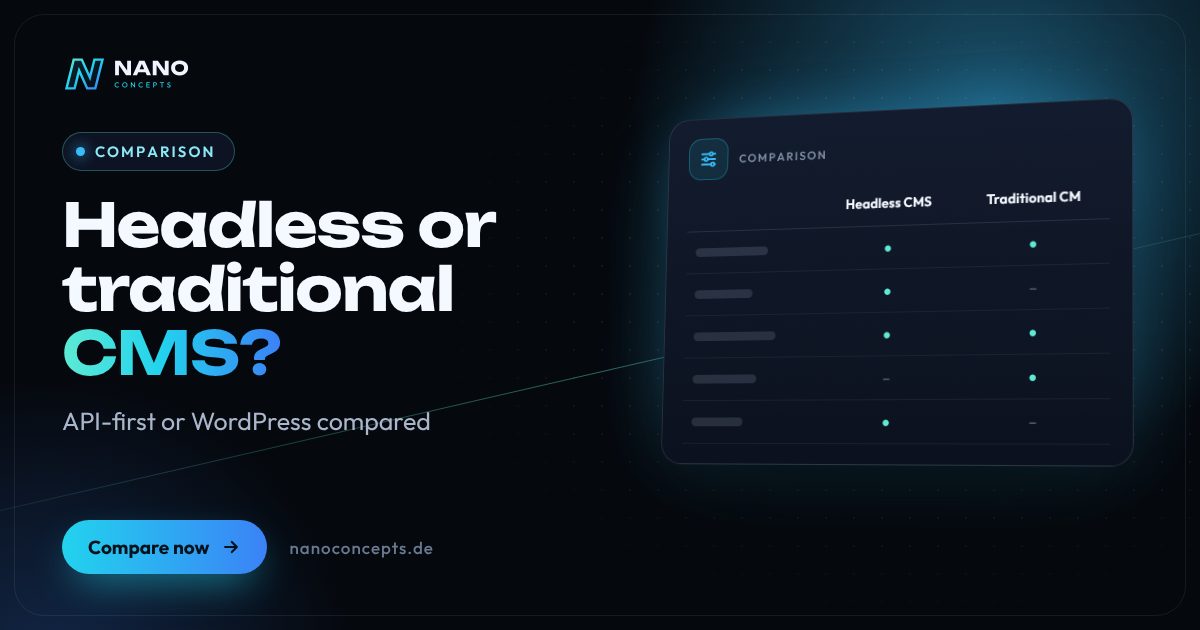
A traditional CMS such as WordPress manages content and presentation in a single system and is usually faster and cheaper to implement for company websites of moderate complexity. A headless CMS stores only content and delivers it via API to any frontend – website, app, store or display. It pays off if you serve multiple channels, have high demands for performance and security, or plan a custom frontend, for example with Next.js. For a standard company website with a blog, the extra effort is rarely justified.
Strengths and weaknesses at a glance
Headless CMS
A headless CMS separates content management from the frontend. Editors maintain structured content that is delivered via REST or GraphQL API to websites, apps and other channels – examples include Storyblok, Contentful, Strapi or Directus.
Strengths
- One piece of content, many channels: website, app, store, newsletter or display all draw on the same source.
- Free choice of frontend technology, e.g. Next.js or Astro, with very good load times.
- Smaller attack surface, because the public frontend is separate from the editorial system.
- Structured content models make multilingual setups, reuse and later relaunches easier.
Weaknesses
- Higher initial effort: the frontend, preview and integrations have to be developed.
- Forms, SEO fields or search don't come as a ready-made plugin; they have to be integrated or built.
- Two components in operation – frontend and CMS – require developer know-how for maintenance and expansion.
Ideal for: Companies with multiple channels, high performance requirements or a custom frontend.
Traditional CMS (e.g. WordPress)
A traditional CMS manages content, templates and delivery in a single system. WordPress is the best-known example: theme, block editor and plugins form a ready-made website platform.
Strengths
- Quick start with themes, the block editor and a very large plugin ecosystem.
- While editing, editors can largely see how the page will look later.
- Many agencies and developers know the system – little dependence on individual service providers.
- Usually the more affordable overall package for typical company websites.
Weaknesses
- Content is tightly coupled to presentation – reusing it in apps or other channels is more cumbersome.
- Many plugins increase maintenance effort, security risk and load time.
- Regular updates to core, theme and plugins are mandatory.
Ideal for: Company websites, blogs and landing pages with one main channel and fast implementation.
The most important criteria compared side by side
| Criterion | Headless CMS | Traditional CMS (e.g. WordPress) |
|---|---|---|
| Architecture | Content via API, frontend separate | Content and presentation in one system |
| Channels | Website, app, store and displays from one source | Primarily your own website |
| Editing | Structured fields, live preview depending on system and implementation | Visual block editor, familiar interface |
| Start & effort | Higher, the frontend is developed | Lower, themes and plugins available |
| Performance | Very controllable, e.g. static or via server-side rendering | Achievable, depending on theme, plugins and caching |
| Security | Frontend separate, smaller attack surface | Depends on updates and plugin quality |
| Extensions | Integrations via API, partly custom | Very large plugin selection |
| Operations | Two components, developer know-how required | One system, manageable even by generalists |
Headless CMS vs. traditional CMS: the core difference
A traditional CMS is head and body in one: it stores text and images and uses a theme to turn them into the finished page. A headless CMS is missing the “head,” the presentation layer. The system delivers content as data through an interface, and a separately developed frontend decides how it appears on a website, app or display.
This leads to the most important day-to-day difference: with a traditional CMS, editors build pages; with a headless CMS, they maintain content types such as “product,” “location” or “contact person.” That takes getting used to at first, but pays off as soon as the same content appears in several places. Our magazine article on headless CMS strategy shows how to set up content models and preview properly.
Headless CMS vs. WordPress: what makes sense for your website?
For most company websites with service pages, a blog and a contact form, WordPress remains a solid choice. It is quick to set up, the team finds its way around the block editor, and many features are available as proven plugins. What matters is a lean implementation: a few well-maintained plugins, clean caching and regular updates. Then WordPress stays fast, secure and easy for the team to use even after years.
Headless pays off if at least one of these points applies: you serve multiple channels, you need a frontend with an app-like feel, you have high demands for load time and security, or several country sites share content. A middle path is headless WordPress: editors stay in the familiar backend, while the frontend is developed separately and connected via the REST API or GraphQL.
Headless CMS vs. custom backend, database or Markdown
Some teams ask whether their own database or a custom backend would be enough instead of a headless CMS. Technically yes – but a headless CMS already comes with an editing interface, roles, versioning, media management, multilingual support and approval workflows. A custom backend is mainly worthwhile when the focus is on business data rather than editorial content, for example orders or customer accounts.
Markdown files in a Git repository are a lean solution for developer documentation or small websites maintained only by technical teams. For marketing and editorial teams without Git skills, they are rarely practical. A solution that lets the editorial team work without developers is almost always the more economical one in everyday use. So before deciding, check who will maintain content in the future and how often it changes.
Headless CMS vs. DXP and DAM
A digital experience platform (DXP) bundles CMS, personalization, analytics and often commerce functions in one suite. It targets large organizations with many brands and markets and comes with correspondingly high implementation and licensing costs. For mid-sized companies (Mittelstand), a headless CMS with selectively connected services is usually the more flexible and more affordable route.
A digital asset management (DAM) system is not a replacement for a CMS but a complement: it centrally manages images, videos and documents with usage rights, variants and metadata. If you maintain many product images or brand materials, you connect DAM and headless CMS through an interface, so that the website, store and catalogs always access the approved version.
For a company website with one main channel, we generally recommend a cleanly implemented traditional CMS such as WordPress – fast, proven and easy to maintain. A headless CMS is the right choice if you serve multiple channels, plan a custom frontend or want to reuse content in a structured way over the long term. Nano Concepts implements both approaches, including headless WordPress as a middle path, and, after analyzing your editorial workflows, recommends the solution that fits your team and budget.
We implement both approaches
Headless CMS
Maintain content centrally and publish it to your website, app and other channels – with a fast front end and clear editorial workflows.
Learn more
Headless WordPress
WordPress stays your editorial system, Next.js delivers the website – fast, secured and freely designable.
Learn more
WordPress Development
WordPress websites with a custom theme and bespoke plugins – fast, secure and easy to maintain.
Learn more
Headless Commerce
A custom frontend in front of Shopify or Shopware – fast, freely designable and ready for store, app and content channels.
Learn moreFrequently asked questions
A traditional CMS manages content and generates the finished website in a single system. A headless CMS manages only the content and makes it available via an API; the frontend is developed separately. This lets you use the same content across multiple channels.
Yes. WordPress includes a REST API, and GraphQL is also possible with an extension. Editors work in the familiar backend, while a separate frontend, for example with Next.js, displays the content. Plugins that hook directly into the theme, however, no longer work in this model without further effort.
Not automatically. SEO depends on clean HTML, load time, structure and content. A headless setup with server-side rendering or static generation can be very fast, but it requires metadata, redirects and sitemaps to be implemented deliberately – with WordPress, proven plugins often handle that.
At launch, usually yes, because the frontend is custom-developed and, depending on the provider, CMS license fees apply. In operation, this can even out if multiple channels are served from one source. Our packages start at Starter from €2,500 and Professional from €8,000; the specific quote follows after the free initial consultation.
A DXP combines CMS, personalization, analytics and further modules in one large suite and is worthwhile mainly for large corporations with many brands and markets. For mid-sized companies, a headless CMS that is selectively connected to a store, CRM or analytics tools is usually enough.
More comparisons & guides
WordPress or TYPO3 – which CMS is right for your company?
WordPress is the right choice for most business websites, blogs and stores, up to mid-sized companies (Mittelstand): quick to set up, easy to use and backed by the…
Learn more
WordPress or a custom-coded website – which is worth it?
WordPress is the efficient choice for classic business websites that editors maintain themselves and that get by with proven features.
Learn more
WordPress or Webflow – or maybe Framer?
In the “WordPress or Webflow” comparison, WordPress is the right choice if you need full control over hosting and data, a large extension ecosystem or a store with…
Learn more
Which CMS is best for my website?
There is no single best CMS – it depends on who maintains the content, how big the website will become and which features it needs.
Learn more
How much does a website cost – and what does the price depend on?
What a website costs depends mainly on scope, design ambition, content, features such as appointment booking or a shop, and the technical system.
Learn more
How long does it take to build a website?
How long it takes to build a website depends mainly on scope, features and how quickly texts, images and approvals are ready.
Learn moreNeeds analysis: Headless or traditional CMS?
Answer a few short questions – we usually get back to you within 24 hours with an initial assessment.
Request a project
