
n8n or Power Automate – which tool automates your processes better?
“n8n or Power Automate?” is asked mainly by companies that use Microsoft 365 but don't want to map every process in the Microsoft cloud. We compare both platforms by use case, operation, data protection and effort.
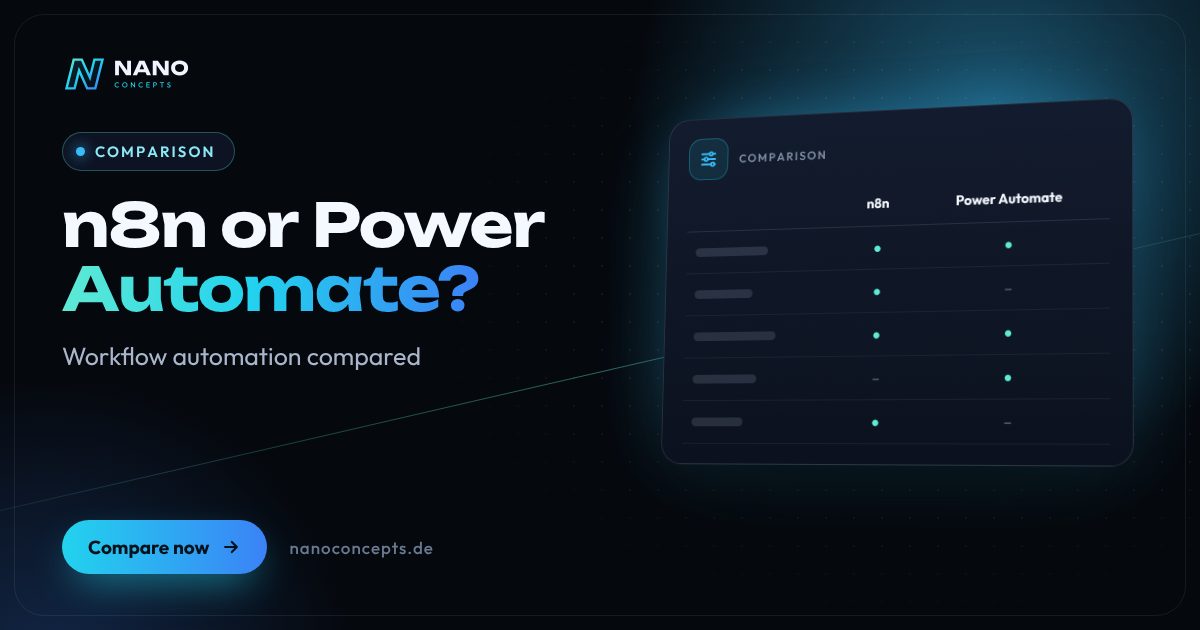
n8n or Power Automate? Power Automate is the obvious choice if your company works consistently with Microsoft 365 and wants to automate workflows around Outlook, Teams, SharePoint and Excel – including desktop automation for legacy applications. n8n is a better fit if you want to connect many systems outside the Microsoft world, self-host your data or build complex workflows with custom code and AI agents. n8n requires more technical know-how but offers more control in return; in mixed landscapes, a combination also makes sense.
Strengths and weaknesses at a glance
n8n
A workflow automation platform from the Berlin-based company n8n, available as a cloud service or self-hosted. Workflows are built visually and can be extended with JavaScript or Python.
Strengths
- Self-hosting possible – data and workflows stay on your own servers in Germany or the EU.
- Very flexible: HTTP requests, code nodes and webhooks connect almost any software with an API.
- Strong AI capabilities with nodes for agents, language models and vector databases.
- Complex logic with branches, loops and error handling is easy to model.
Weaknesses
- Self-hosting means running it yourself: updates, backups, monitoring and security.
- More demanding than pure no-code tools for business users without a technical background.
- Fair-code license (Sustainable Use License) instead of classic open source; enterprise features are paid.
Ideal for: Companies with a heterogeneous system landscape, a data protection focus and a technical partner or IT team.
Power Automate
Microsoft's automation service as part of the Power Platform. Cloud flows connect services through connectors, desktop flows automate applications on Windows computers via RPA.
Strengths
- Seamless integration with Microsoft 365, Teams, SharePoint, Outlook, Excel and Dataverse.
- Desktop flows (RPA) can also automate legacy applications that have no interface.
- Central administration through Microsoft Entra ID, environments and data loss prevention policies.
- Easy entry for business departments through templates and Copilot assistance when creating flows.
Weaknesses
- Complex licensing model with standard and premium connectors and different plans.
- Less flexible outside the Microsoft world; special integrations require premium or custom connectors.
- No self-hosting of cloud flows; versioning and testing of complex flows require additional ALM tools.
Ideal for: Microsoft 365 companies that want to automate office, approval and document processes.
The most important criteria compared side by side
| Criterion | n8n | Power Automate |
|---|---|---|
| Provider | n8n (Berlin) | Microsoft |
| Operation | Cloud or self-hosted | Microsoft cloud; desktop flows run locally on Windows |
| Strongest integration | Any systems with APIs, webhooks and databases | Microsoft 365, Dynamics 365, Dataverse |
| Target group | Technically skilled teams and developers | Business departments and IT in Microsoft environments |
| Custom code | JavaScript and Python directly in the workflow | Expressions, custom connectors, Azure Functions |
| AI features | Agent and LLM nodes, free choice of model | Copilot and AI features of the Power Platform |
| Desktop automation (RPA) | Not integrated | Yes, with desktop flows |
| Data sovereignty | Full control when self-hosting | Microsoft data centers, EU Data Boundary available |
| License | Fair-code license, cloud and enterprise plans | Per user, flow or process; premium connectors |
n8n vs. Power Automate: two different approaches
Power Automate is tailored to companies that already work in Microsoft 365. Typical workflows are set up quickly: saving attachments from Outlook to SharePoint, collecting approvals via Teams, transferring form entries into lists. Administration runs through the familiar Microsoft accounts, permissions and policies, which makes control easier for the IT department. Business departments can create simple flows themselves after a short learning period.
n8n takes a more open, more technical approach. Instead of a fixed ecosystem, the focus is on connecting any systems: store, ERP, CRM, accounting, databases and your own APIs. Workflows can contain custom code, transform data and integrate AI models. That makes n8n especially strong for processes that run across many applications. Building and maintaining them, however, requires technical understanding.
Data protection, hosting and control
A key difference is where it runs. n8n can be operated on your own servers or with a German hosting provider, so that customer data does not have to leave your infrastructure. For industries with sensitive data, such as healthcare or finance, that is an important argument. In return, you or your service provider take on responsibility for updates, backups and access protection.
Power Automate runs in the Microsoft cloud, with the contractual assurances and data protection tools you know from Microsoft 365. For many companies, that is sufficient and convenient because no server of their own has to be run. In both cases, check data processing agreements, storage locations and which external services the workflows call. This overview does not replace legal advice.
Costs and licenses: what to look out for
With Power Automate, the effort depends on which connectors you use and whether flows are licensed per user or per process. Basic functions are included in many Microsoft 365 plans, while premium connectors, for example to SQL databases or third-party providers, require additional licenses. So clarify the licensing model before implementation, not after. Otherwise a flow that started out cheap becomes unexpectedly expensive in operation.
With n8n, self-hosting mainly incurs costs for servers, operation and maintenance; the cloud version and enterprise features such as single sign-on or extended permission management are paid. The fair-code license allows internal use but restricts offering n8n as a service to third parties. For a reliable calculation, you should consider execution volume and operating effort together.
n8n alternatives: Microsoft, open source and Zapier
If you are looking for an n8n alternative from Microsoft, then besides Power Automate you end up at Azure Logic Apps, which is aimed more at developers and integration scenarios in Azure. Zapier is a particularly beginner-friendly cloud service with a great many ready-made connections, but offers no self-hosting. In the “Zapier vs. Power Automate” comparison, Zapier scores with SaaS tools, Power Automate with Microsoft services.
Open-source alternatives often named are Node-RED, Activepieces or Windmill, each with its own focus from IoT to developer workflows. And if you're looking for an “n8n alternative from Germany”: n8n itself comes from Berlin. You can find a detailed comparison with Make and Zapier in our separate article on automation tools. For most companies, what ultimately matters is less the license than the question of who runs the workflows reliably.
If your company works largely in Microsoft 365 and the main goal is to automate office, approval and document processes, Power Automate is usually the fastest route. If you connect many systems outside the Microsoft world, value self-hosting or plan AI-powered workflows with custom logic, n8n is the more flexible platform. Nano Concepts analyzes your processes in a vendor-neutral way, recommends the right tool and implements the automations – including operation, monitoring and documentation.
We implement both approaches
n8n Automation
Plan, build and run workflows with n8n – self-hosted in Germany on request, with error handling and AI building blocks.
Learn more
Process Automation
Recurring tasks run automatically – less manual work, fewer errors, more time for your business.
Learn more
AI Automation
Workflows with AI components that understand, categorize and automatically process emails, documents and inquiries.
Learn more
Automate Accounting
Invoice receipt, document capture and approval automated – with a clean handover to DATEV or your accounting software.
Learn moreFrequently asked questions
Not across the board. n8n is more flexible, can be self-hosted and suits complex, cross-system workflows. Power Automate is easier to introduce in Microsoft 365 environments and additionally offers desktop automation for legacy applications.
The self-hosted n8n Community version can be used for internal purposes without a license fee; however, there are costs for servers, operation and maintenance. The cloud version and enterprise features are paid. The vendor publishes the exact license terms.
Yes. n8n offers integrations for Outlook, Teams, OneDrive and Excel, among others, and further services can be reached through the Microsoft Graph API. This lets you automate Microsoft processes too, without being tied to Power Automate.
Zapier is a beginner-friendly cloud service with a great many connections to SaaS tools. Power Automate is geared toward Microsoft 365 and additionally offers desktop automation. Both run in the respective provider's cloud; self-hosting as with n8n is not provided.
The effort depends on the number of systems, the complexity of the logic, error handling and documentation. As a guide, our packages start at Starter from €2,500 and Professional from €8,000; extensive automation landscapes are quoted individually as Enterprise. You receive the exact quote after the free initial consultation.
More comparisons & guides
n8n, Make or Zapier – which automation tool is right for you?
Zapier is the easiest way to get started, with one of the largest catalogs of ready-made app connections, but it becomes expensive at high volumes because every…
Learn more
How much does process automation cost – and what determines the price?
What process automation costs depends on the number of processes, the systems involved, the quality of the data, the number of exceptions and the operation afterwards.
Learn more
How much does AI cost for businesses?
The cost of AI in a company arises on three levels: licenses for ready-made AI assistants such as ChatGPT or Claude, usually billed per user per month; usage-based fees…
Learn more
How do you introduce AI in a company?
The best way to introduce AI in a company is step by step: select specific use cases with a visible benefit, review the data situation and data protection, define tools…
Learn more
WordPress or a website builder like Wix and Jimdo – which is the better fit?
A website builder like Wix or Jimdo is the right choice if you want to run a small website with only a few pages yourself, quickly and without technical effort – the…
Learn more
Cloud, SaaS or on-premise – where should your software run?
SaaS fits if mature off-the-shelf software exists for your process and you don't want any operating effort.
Learn moreNeeds analysis: n8n or Power Automate?
Answer a few short questions – we usually get back to you within 24 hours with an initial assessment.
Request a project
