
n8n, Make or Zapier – which automation tool is right for you?
All three tools connect apps and automate recurring workflows without traditional programming. They differ significantly, however, in billing, hosting, data privacy and how complex your workflows are allowed to get.
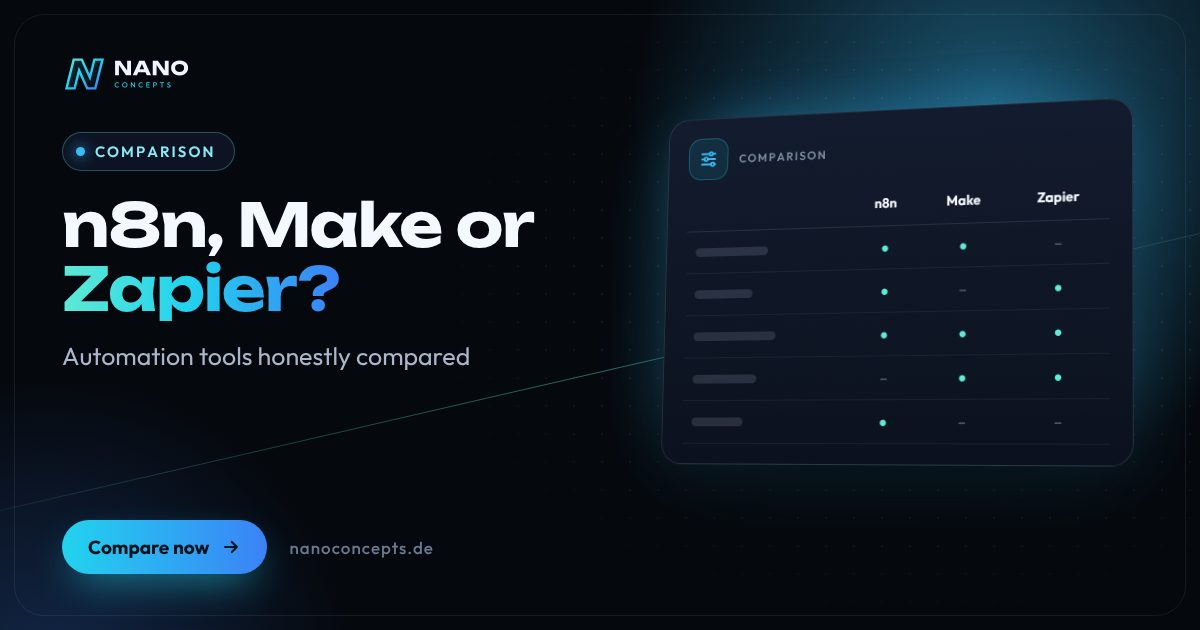
Zapier is the easiest way to get started, with one of the largest catalogs of ready-made app connections, but it becomes expensive at high volumes because every executed action counts as a task. Make offers a visual scenario editor for branching workflows with many data operations. n8n is the right fit if data needs to stay on your own servers, custom code needs to be integrated or AI agents are to be built – at a somewhat higher technical bar. For privacy-sensitive or high-volume processes we usually recommend n8n; for quick one-off automations without an IT team, Zapier or Make.
Strengths and weaknesses at a glance
n8n
Workflow automation from the Berlin-based company n8n, available as a cloud service or self-hosted on your own server. Visual editor into which you can embed JavaScript or Python at any time.
Strengths
- Self-hosting possible: data stays on your server or within your infrastructure
- Billing per workflow execution rather than per individual step; self-hosted Community Edition free of license fees
- Custom code, HTTP requests and database access for special cases
- Strong building blocks for AI agents and workflows with language models
Weaknesses
- Steeper learning curve; a technical background helps
- Self-hosting requires operations, updates, backups and monitoring
- The Sustainable Use License is not classic open source and restricts certain commercial uses
Ideal for: Companies with privacy-sensitive, high-volume or complex processes and access to technical support.
Make
Cloud platform for visual automation, formerly Integromat and now part of the Celonis group. Workflows are built as scenarios made up of modules, branches and loops.
Strengths
- Very clear visual editor, even for branching workflows
- Strong data processing tools: routers, iterators, aggregators, filters
- Large catalog of ready-made app modules
- EU region available for data storage
Weaknesses
- Available only as a cloud service, no self-hosting
- Every executed module counts toward usage – complex scenarios drive up costs
- Very large scenarios become hard to maintain and document
Ideal for: Teams without their own IT who want to visually build multi-step workflows with data transformation.
Zapier
US pioneer of no-code automation with one of the most extensive catalogs of ready-made app integrations. Zaps follow the principle “trigger, then action.”
Strengths
- Fastest start: simple Zaps can be set up without prior knowledge
- Very large integration catalog, including niche tools
- Additional building blocks such as Tables, Interfaces and AI features
- Fully managed cloud operation without any technology of your own
Weaknesses
- Billing per task: high volume quickly becomes expensive
- Complex logic, loops and data transformations are more cumbersome than in Make or n8n
- No self-hosting; data processing mostly in the US
Ideal for: Small teams that want to quickly automate individual standard workflows between common SaaS tools.
The most important criteria compared side by side
| Criterion | n8n | Make | Zapier |
|---|---|---|---|
| Getting started | Medium, technical understanding helpful | Medium, visual scenario editor | Very easy, guided setup |
| Hosting | Cloud or self-hosted | Cloud only | Cloud only |
| Billing logic | Per workflow execution (cloud) | By usage per executed module | Per task (executed action) |
| Complex logic | Very strong, including custom code | Strong, with routers and iterators | Basic, with paths and filters |
| Integrations | Large, plus HTTP connection to any API | Very large | Very large, one of the most extensive |
| AI workflows | Extensive agent and LLM building blocks | AI modules and agents available | AI steps and agents available |
| Data privacy | Full data ownership with self-hosting | EU region selectable | Processing mostly in the US |
| Free to start | Self-hosted Community Edition | Free starter plan | Free starter plan |
| Operations & maintenance | Your own responsibility with self-hosting | Handled by the provider | Handled by the provider |
n8n, Make or Zapier: the differences at a glance
All three platforms follow the same basic principle: a trigger, such as a new inquiry through the contact form, starts a chain of actions – for example, creating the contact in the CRM, preparing a quote and notifying the sales team. Zapier thinks in linear steps and is optimized for simplicity. Make presents workflows as freely branching scenarios on a canvas. n8n also works visually, but opens the door to custom code at any point.
This leads to different target groups. Zapier is aimed at business departments that want quick results without IT. Make appeals to users who are willing to get to grips with data structures and receive more control in return. n8n is the tool for teams with technical know-how or external support that run automation as a permanent part of their IT landscape – including their own infrastructure, versioning and connections to internal systems.
Costs: why the billing logic matters more than the entry price
With automation tools, what matters is less the monthly price of a plan than what gets counted. Zapier charges every executed action as a task, Make counts every module call in a scenario, and n8n in the cloud bills per workflow execution – regardless of how many steps the workflow contains. A workflow with many steps that runs very frequently can therefore cause very different costs depending on the tool.
All three offer a free way to start: Zapier and Make with limited free plans, n8n through the self-hosted Community Edition. With self-hosting, execution fees disappear, but server costs and operating effort come into play. So run your most important workflows through all the options with realistic volumes before you commit – switching later means rebuilding every workflow.
Running n8n locally or in the cloud?
n8n is the only one of the three tools that you can host yourself – on your own server, in your cloud environment or via Docker in a data center. The advantage: customer data, receipts and internal information never leave your infrastructure, and internal systems without public access can be connected directly. For testing, a local installation on your computer is enough; in production, n8n should run on a permanently reachable, secured server.
Self-hosting means responsibility: updates, backups, access protection, monitoring and scaling all have to be taken care of. If you can't handle that in-house, use n8n Cloud or have a service provider take over operations, including installing security updates. If you're looking for a free n8n alternative to host yourself, you'll find open-source projects such as Activepieces or Node-RED – with a smaller feature set and a different focus, respectively.
Data privacy and GDPR: what to watch for
Automations often transport personal data – names, email addresses, orders or job applications. For each tool you therefore need a data processing agreement and clarity about where data is processed. With Zapier, processing takes place mostly in the US, which requires a sound legal basis for the data transfer. Make allows data storage in an EU region, and self-hosted n8n offers the greatest control.
Just as important as the storage location is how the workflows are designed: pass on only the data you need, manage credentials centrally and encrypted, and regularly delete logs containing personal content. For AI steps in particular, it should be clear which content goes to which language model. These notes do not replace legal advice, but they help you ask the right questions of providers and data protection officers.
For individual, simple workflows between common cloud tools, Zapier is the fastest route, and Make is the better choice as soon as data is branched, transformed or processed in loops. If many high-volume processes are running, sensitive data is involved, or AI agents and internal systems are to be integrated, n8n is usually the more economical and more controllable solution. Nano Concepts analyzes your processes, runs the numbers on the options and implements the automation in the right tool – including operating a self-hosted n8n instance if you wish.
We implement all options

Process Automation
Recurring tasks run automatically – less manual work, fewer errors, more time for your business.
Learn more
n8n Automation
Plan, build and run workflows with n8n – self-hosted in Germany on request, with error handling and AI building blocks.
Learn more
AI Automation
Workflows with AI components that understand, categorize and automatically process emails, documents and inquiries.
Learn moreFrequently asked questions
n8n is more flexible, can be self-hosted and bills per workflow execution instead of per individual step, which can be cheaper when there are many steps. Zapier, in turn, is much simpler and offers more ready-made integrations. For business departments without IT support, Zapier is often the better choice; for scaling processes, n8n.
Both offer a free starter plan with limited usage and restricted features, which is well suited for testing. For production business processes it is generally not enough. n8n can be used license-free as a self-hosted Community Edition, but it does create server and operating effort.
n8n was founded in Berlin and is headquartered there. Make originally comes from the Czech Republic and now belongs to the Munich-based Celonis group; Zapier is a US company. For data privacy, though, the origin matters less than where the data is processed and the contract with the provider.
Both: n8n runs as a managed cloud service or self-hosted, for example via Docker on your own server. Locally on a work computer it is suitable for testing; in production it should run on a secured, permanently reachable server. With self-hosting, updates, backups and monitoring are up to you or your service provider.
The costs depend on the number and complexity of the workflows, the connected systems, the data volume and the desired level of operations. Our packages serve as a guide: Starter from €2,500, Professional from €8,000 and Enterprise priced individually. You will receive the exact quote after the free initial consultation; usage fees for the tools come on top.
More comparisons & guides
n8n or Power Automate – which tool automates your processes better?
n8n or Power Automate?
Learn more
How much does process automation cost – and what determines the price?
What process automation costs depends on the number of processes, the systems involved, the quality of the data, the number of exceptions and the operation afterwards.
Learn more
How much does AI cost for businesses?
The cost of AI in a company arises on three levels: licenses for ready-made AI assistants such as ChatGPT or Claude, usually billed per user per month; usage-based fees…
Learn more
How do you introduce AI in a company?
The best way to introduce AI in a company is step by step: select specific use cases with a visible benefit, review the data situation and data protection, define tools…
Learn more
WordPress or a website builder like Wix and Jimdo – which is the better fit?
A website builder like Wix or Jimdo is the right choice if you want to run a small website with only a few pages yourself, quickly and without technical effort – the…
Learn more
Cloud, SaaS or on-premise – where should your software run?
SaaS fits if mature off-the-shelf software exists for your process and you don't want any operating effort.
Learn moreNeeds analysis: n8n, Make or Zapier?
Answer a few short questions – we usually get back to you within 24 hours with an initial assessment.
Request a project
