
How much does IT support cost for businesses?
IT support is rarely a line item anyone enjoys budgeting for – until the server goes down or emails stop arriving. Here you will learn how IT service providers bill, what drives costs and how small businesses find the right model.
The cost of IT support depends mainly on the number of workstations and devices, the desired service and response times, the share of on-site visits and the complexity of your IT. Billing is usually based on time and effort, hour blocks or a monthly flat fee per workstation or user; hardware and licenses are generally charged separately. For IT services, Nano Concepts and the IT service partners RELEDER and FAIMA IT Services prepare an individual quote based on scope, locations and time windows.
IT support costs: what the price depends on
The question “how much does an IT service provider cost” can only be answered with a view to your environment. An office with a few workstations and cloud services needs different support than a business with its own server, several locations and machines on the network. The more devices, applications and interfaces, the higher the ongoing support effort. Industry software with its own update cycles also increases the effort.
Equally decisive are your requirements for availability: is support during regular office hours enough, or do you need guaranteed response times, evening and weekend call-outs or on-call duty? And how much can be solved remotely, how often does a technician have to be on site? These points determine the costs more than the hourly rate alone. Define these requirements before you request quotes.
IT support costs per hour, hour block or flat fee
With time-and-effort billing you pay for the time actually worked, often in fixed time increments, plus travel for on-site visits where applicable. That is fair for infrequent needs but makes costs hard to plan. Anyone comparing IT support costs per hour should therefore ask in what increments billing is done and whether remote and on-site time are valued differently.
Hour blocks bundle a fixed amount of time per month or year. With managed services, you pay a monthly flat fee per workstation, device or user that covers defined services such as monitoring, updates, backup checks and help desk. Pay attention to what is included and what counts as additional effort – such as projects, relocations or setting up new workstations.
- Time and effort: flexible, but hard to plan
- Hour block: plannable budget for recurring needs
- Monthly flat fee per workstation or user
- Project prices for rollouts, relocations or migrations
- On-site visits with travel fee or call-out flat fee
IT support for small businesses: what is really needed
Small businesses rarely need a comprehensive managed-service contract with round-the-clock availability. What matters is solid basic protection: regular updates, working and tested backups, antivirus protection, secure passwords with two-factor authentication and a contact who knows your environment. Up-to-date IT documentation saves time – and thus money – in an emergency. Many of these points can be set up with manageable effort and then monitored largely automatically.
For IT support for small businesses, a combination has often proven effective: remote support for everyday issues, a modest hour block for plannable tasks and on-site visits only for hardware or network problems. That keeps costs manageable without compromising security and availability. What matters is that tasks are clearly distributed: who checks the backups, who installs updates, and whom do your employees call when something goes wrong? Once that is settled, disruptions can be resolved much faster.
1st- to 3rd-level support: what each level does
IT support is often divided into levels. 1st level takes in requests, solves standard problems such as password resets or printer faults and passes on anything more complex. 2nd level handles deeper analysis, for example for network or software errors. 3rd level comprises specialists or manufacturers who step in for difficult server, database or application problems. This division also helps when comparing quotes.
The higher the level, the more specialized the knowledge – and, as a rule, the greater the effort per case. A well-organized 1st level lowers the overall costs because simple requests are resolved quickly. Together with our IT service partners RELEDER and FAIMA IT Services, we cover support from 1st to 3rd level – across Germany, remotely and with partner teams on site.
Cloud or your own server: which is cheaper?
Whether cloud or your own server is cheaper depends on your usage. Your own server involves acquisition costs, electricity, maintenance, backup solutions and, after a few years, replacement; in return there are no ongoing per-user usage fees. Cloud services turn these investments into monthly costs that grow with the number of users and storage needs. In addition there is the internet connection, which becomes more important with cloud use.
For an honest cloud cost comparison, all items belong on the table: hardware, licenses, support, security, possible downtime and internal working time. Questions about data protection, data location and internet connection also come into play. A mix often makes sense – for example email and file storage in the cloud, industry-specific applications still on-premises. If you are planning a move to the cloud, we support you with a structured cloud migration.
How your IT support quote comes about
For IT services, we do not offer off-the-shelf flat-rate packages. After a free initial consultation, together with our partners we record scope, locations, devices, service hours and desired time windows. From this we create an individual quote in which remote support, on-site visits and project services are clearly separated from one another. That way you can see at a glance what you are paying for and can specifically expand or reduce individual services.
In addition to ongoing support, we handle IT rollouts, workplace services and field service across Germany with our partner teams. For software, web apps and websites, on the other hand, our packages apply: Starter from €2,500, Professional from €8,000 and Enterprise priced individually. We usually respond to inquiries within 24 hours. You can arrange the free initial consultation by phone or email.
These factors determine the cost
Number of workstations and devices
More computers, smartphones, printers and network components mean more support and update effort.
Service and response times
Guaranteed response times, evening and weekend support or on-call duty increase costs.
Remote or on site
Remote support is usually faster and cheaper; on-site visits incur travel and call-out time.
Complexity of the infrastructure
Your own servers, several locations, industry software and interfaces require specialized knowledge.
Support level
Whether only 1st level or also 2nd and 3rd level are covered affects effort and price.
Scope of the flat fee
Monitoring, backup checks, security updates and documentation may be included or cost extra.
State of documentation
Well-documented IT saves analysis time with every incident.
Hardware and licenses
Devices, software subscriptions and cloud services are usually charged in addition to support.
Your take-away checklist
- List all workstations, devices and locations
- Define the required service and response times
- Clarify what must be handled remotely and what on site
- Compare the scope of flat fees in writing
- Ask about billing increments and travel costs
- Record the backup concept and emergency contact
- Update the IT documentation or have it created
Our packages as a guide
Professional
For complex web applications, portals and tailor-made software solutions.
InquireEnterprise
For large projects, system landscapes and long-term development partnerships.
Request a quoteIndicative prices, net of VAT – you will receive your exact quote after the free initial consultation. Pricing & packages in detail
How we support you

IT Support
Helpdesk, level 1 to level 3 support and workplace services – remote and on site from a single source.
Learn more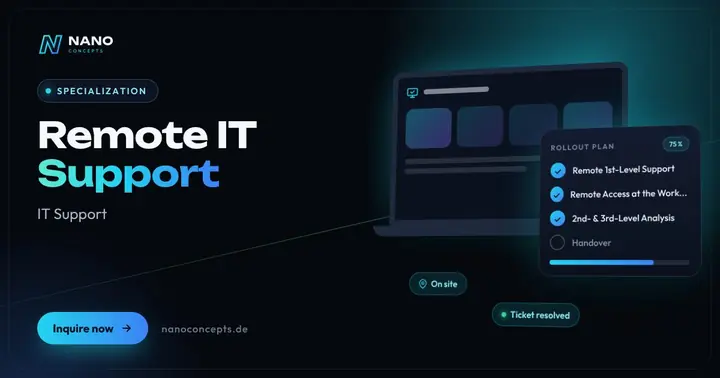
Remote IT Support
Fast IT help via remote access, phone and ticket – from 1st-level support to troubleshooting, with response times per SLA.
Learn more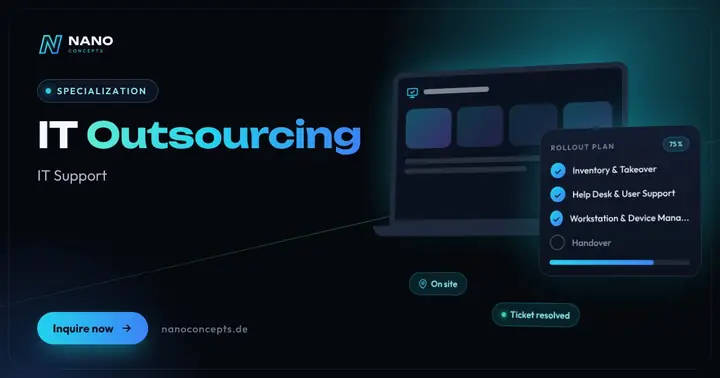
IT Outsourcing
Your external IT department: help desk, operations, device management and on-site service – with dedicated contacts.
Learn more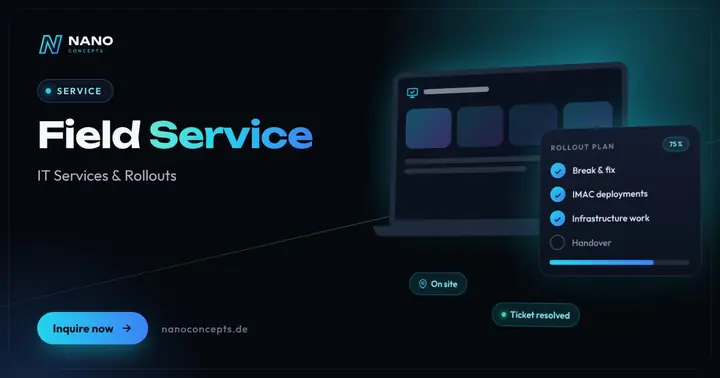
Field Service
On-site IT technicians for break & fix, IMAC and infrastructure – across Germany on request, cleanly documented.
Learn moreFrequently asked questions
It depends on the support level, service time, remote or on-site deployment and the provider; reliable figures exist only for a specific environment. Ask about the billing increment and whether travel is charged separately. For IT services, we prepare an individual quote based on scope, locations and time windows.
Small businesses often get by with remote support, a modest hour block and on-site visits only when needed. Costs depend on devices, applications and desired response times. You will receive an individual quote after the free initial consultation.
A flat fee is worthwhile if you need support regularly and want predictable costs. Check carefully which services are included and what counts as additional effort. With infrequent needs, time-and-effort billing can be cheaper.
That can only be answered with a complete cost comparison covering acquisition, electricity, maintenance, replacement, licenses and internal time. Cloud services are flexible and avoid investments but cause ongoing fees. A combination is often the most economical solution.
Yes, if established remote maintenance tools, encrypted connections and clear approvals are used – for example by confirming each session yourself. Ask for an explanation of how access is logged and secured. Many problems can be solved faster this way than with an on-site appointment.
Yes. Together with our IT service partners RELEDER and FAIMA IT Services, we offer support from 1st to 3rd level as well as IT rollouts and field service across Germany – remotely and with our partner teams on site.
More guides & comparisons
IT security for small businesses: what really matters?
Small businesses can reach solid basic protection with a few consistently implemented measures: regular and tested backups, timely updates for systems and programs,…
Learn more
How much does an IT rollout cost – and what determines the price?
What an IT rollout costs cannot be stated as a flat figure: the price depends on the number of devices and locations, the extent of preparation and configuration, the…
Learn more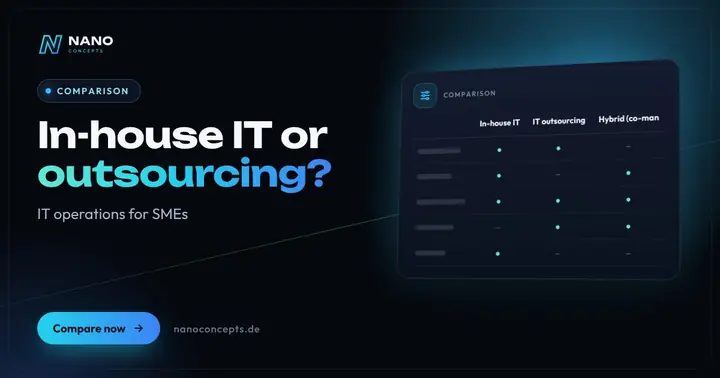
In-house IT or outsourcing – what makes more sense for your company?
An in-house IT department pays off if IT demands a lot of on-site coordination, expertise about your internal workflows and daily availability on an ongoing basis, and…
Learn more
How much does a website cost – and what does the price depend on?
What a website costs depends mainly on scope, design ambition, content, features such as appointment booking or a shop, and the technical system.
Learn more
How much does a website cost per month – and per year?
The monthly cost of a website is made up of the domain, hosting, email mailboxes, possible licenses for themes, plugins, or tools, and maintenance and updates; an SSL…
Learn more
How much does an online store cost – one-time and monthly?
The cost of an online store consists of the one-time setup – design, store system, product data, payment and shipping integration, legally compliant processes – and…
Learn moreNeeds analysis: What does IT support cost?
Answer a few short questions – we usually get back to you within 24 hours with an initial assessment.
Request a project
