
What is a customer portal?
A customer portal is a protected online area where customers, after logging in, retrieve information and handle tasks themselves, for example viewing orders, downloading documents, submitting requests or checking invoices. It relieves phone and email in everyday business.
Customer portal: definition and purpose
A customer portal gives customers round-the-clock access to information and functions they would otherwise have to ask for by phone or email. After logging in, they see only their own data: orders, quotes, invoices, contracts, delivery status or support requests. This creates transparency and saves time on both sides.
The portal should be distinguished from the public website and from the online store. It addresses existing customers and lives on their data. It is especially common in B2B business, at service providers with ongoing support and at companies with many recurring processes.
Typical features and technology
Common functions are document storage with download, order status, ticket or request forms, messaging, appointment booking, reordering and master data maintenance. Technically, a portal consists of a web interface, a user management system with roles and a connection to systems such as CRM, ERP or DMS from which it draws its data.
Security is central: authentication with two-factor protection, permission management following the principle of least privilege, tenant separation between customers and logging. For business customers, sign-in via single sign-on is often desired. With custom-built portals, all of this can be tailored precisely to your requirements.
- Documents, invoices and contracts to download
- Order status and shipment tracking
- Requests, tickets and messaging
- Appointment booking and reordering
- Role and permission management for several users per customer
Real-world example: a property manager and owner portal
A property management company answers requests about statements, maintenance appointments and damage reports every day. Through a portal, owners see their statements, resolutions and documents themselves, and tenants report damage with a photo and follow its status. The management processes the reports in a structured way instead of from the inbox, queries become less frequent, and every case remains documented traceably.
Law firms and tax advisors work similarly with client portals, machine builders with spare parts and documentation portals, and trade businesses with order overviews. The gain arises when the portal really answers the most frequent questions and is connected to internal systems. Then data does not have to be maintained twice, and customers always see the current status.
Limits, common mistakes and implementation
A portal only works if customers use it. So plan an easy start, clear interfaces and an introduction with information and support, for example with a short guide and a contact person for questions. Typical mistakes are overloaded functions, outdated data, unclear responsibilities and inadequate data protection. Begin with two or three functions that bring the greatest benefit.
Nano Concepts develops customer portals with login, permission concept and connection to your business systems, aligned with data protection and security, and expands them step by step after launch. That way the portal grows with your customers’ wishes, without you having to implement everything at once in the first version.
Frequently asked questions about Customer portal
The price depends on the scope of functions, the integrations and the number of user roles. Simple portals with document retrieval are considerably cheaper than those with real-time connection to ERP and tickets. Starting with a few functions and expanding later makes sense.
Secure sign-in with two-factor protection, a well-thought-out permission concept, encrypted transmission, separation of customer data and logging are decisive. Regular updates and tests come on top. For custom-built portals, a security concept is part of the project from the start.
An online store serves sales to the public. A customer portal addresses existing customers and shows their individual data such as orders, contracts and invoices. The two can be combined, for example as a B2B store with a customer area.
No, use should be voluntary and offer a real advantage, such as faster answers or documents available at any time. Those who win customers over with easy access and clear communication generally achieve better acceptance than through compulsion.
Matching services
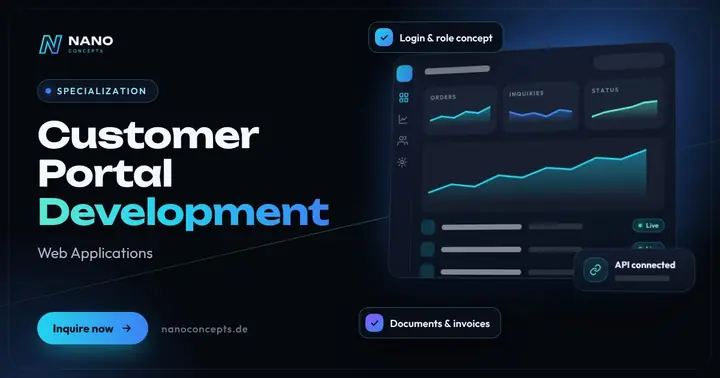
Customer Portal Development
A protected self-service area where your customers retrieve orders, invoices, documents and tickets themselves.
Learn more
Web Applications
Customer portals, dashboards and SaaS platforms that run in the browser – no installation, on any device.
Learn more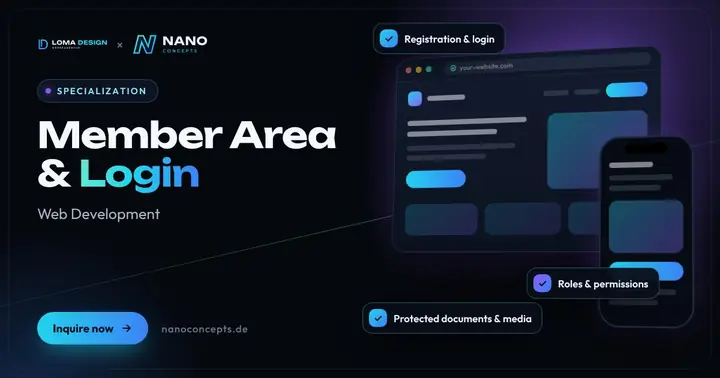
Member Area & Login
Protected areas with login for members, customers or partners – with roles, documents and exclusive content.
Learn more
Web Security
Find and fix vulnerabilities – for websites, online stores, customer portals and custom web applications.
Learn moreRelated terms
Relevant for these industries
Related magazine articles
Web Security: OWASP Top 10 and a Pragmatic Checklist for Teams
Most security vulnerabilities follow familiar patterns. With the OWASP Top 10 as a guardrail and a prioritized checklist, you close typical gaps before they become a problem.
Read more
Securing WordPress: Hardening, Updates, Plugins and Backups
Most WordPress vulnerabilities sit in plugins and themes, not in the core. How to harden your installation with clear permissions, a fixed update routine, tested backups and monitoring.
Read more
Software Maintenance: What a Maintenance Contract Should Include
Software is never finished. Which services a maintenance contract should include, how to separate maintenance, support and further development, and what scope your software really needs.
Read more
