
What is a single-page application (SPA)?
A single-page application (SPA) is a web application that is fully loaded only once and then loads and swaps content via JavaScript—without rebuilding the page on every click. It feels about as smooth as an app.
Single-page application: definition and how it works
With a classic website, the browser requests a new HTML page from the server on every click. An SPA, by contrast, loads a base page with JavaScript on the first visit and then builds the views in the browser itself. Only data is fetched when needed through an interface (API), usually in JSON format.
For navigation within the application, an SPA uses client-side routing: the address bar changes without the page reloading. Common frameworks for this are React, Vue and Angular. Users mainly notice that transitions are smooth. The browser’s back button must still work as expected, though—the application has to ensure this explicitly.
Benefits and limits of an SPA
The main advantage is ease of use: switching between views is fast, states such as a filled shopping cart or a filter are preserved, and the application feels like an installed program. The drawbacks lie elsewhere—especially for content that should be findable through search engines.
- Smooth operation without page reloads
- The same interface can be used for web, app and other channels
- A longer first load time because more JavaScript is loaded
- Search engines first have to render content via script
- Accessibility requires extra care, for example for focus after page changes
Real-world example: an appointment portal for a garage
An auto repair shop offers a customer portal where customers book appointments, maintain vehicle data and retrieve invoices. Because content changes often and nothing needs to be visible to search engines after login, an SPA is a good choice here: operation is fast, and features such as reminders can be added later without rebuilding the portal.
The shop’s public marketing site with services, opening hours and directions, on the other hand, should be delivered classically or server-rendered so that it ranks well on Google, loads instantly and appears without delay even on weak mobile devices. Both parts can be combined under one domain.
SEO, performance and implementation
Google can execute JavaScript, but that takes additional time, and not every crawler does it reliably. For pages that need to be found, you therefore rely on server-side rendering or static pre-generation, for example with Next.js. These hybrid approaches load faster and deliver finished HTML content that search engines and AI services can read immediately. The browser then turns it into an interactive application.
Nano Concepts develops web applications and customer portals as SPAs and advises on when server-side rendering or a classic website is a better fit. What matters are the goal, the target audience and whether content should be found through search engines. We clarify this together before the project starts.
Frequently asked questions about Single-page application (SPA)
Single-page application describes a web application that loads just one HTML page and whose content is then swapped dynamically via JavaScript, instead of loading a completely new page from the server on every click.
Not inherently, but it takes effort. Content that should be found should be server-rendered or generated in advance. For areas behind a login, search engine optimization plays no role, because nobody from outside looks in anyway.
An SPA suits applications with a lot of interaction, such as customer portals, dashboards or planning tools. For websites whose content is mainly meant to be read and found through Google, a classic or hybrid solution is usually better.
An SPA describes how the interface is built and loaded. A progressive web app adds features such as installation on the device, offline use and push notifications. The two combine well.
Matching services

Web Applications
Customer portals, dashboards and SaaS platforms that run in the browser – no installation, on any device.
Learn more
React Development
Frontends with React, Next.js and TypeScript – for web apps, dashboards and portals that stay fast and maintainable.
Learn more
Customer Portal Development
A protected self-service area where your customers retrieve orders, invoices, documents and tickets themselves.
Learn moreRelated terms
Relevant for these industries
Related magazine articles
Headless CMS: Strategy, Content Model, Preview and Migration
A headless CMS separates content from presentation and serves your website, app and partner channels from one source. What matters for the decision, content model, preview and migration.
Read more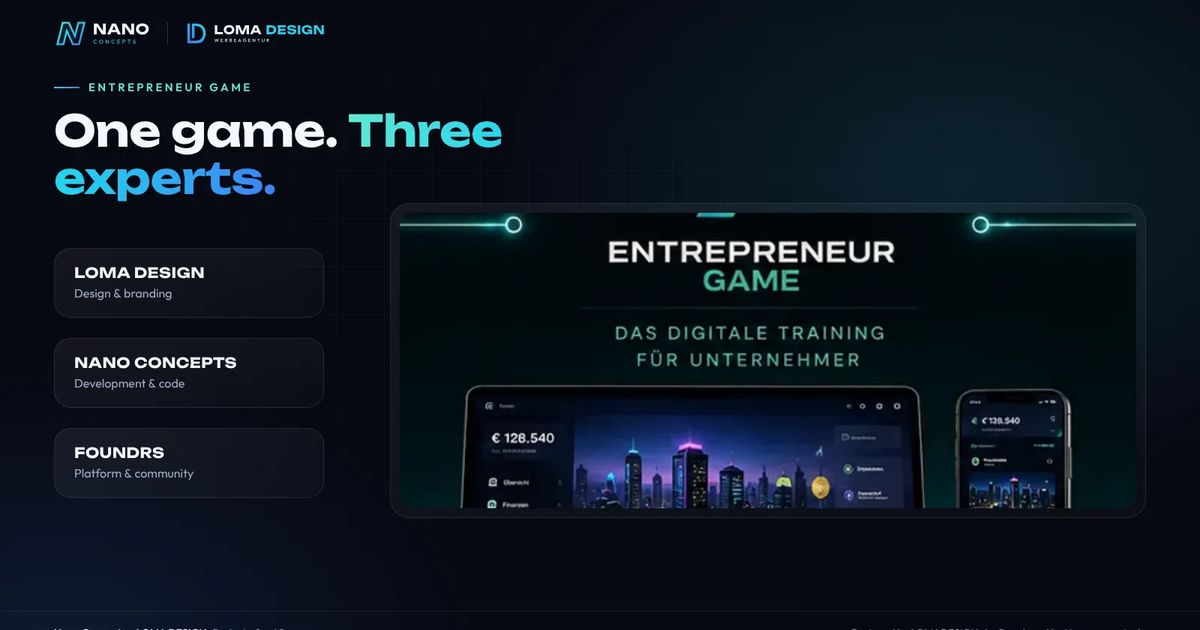
Entrepreneur Game: A Business Simulation for Founders and Entrepreneurs
Invest, hire, market – without real risk: the Entrepreneur Game is a realistic simulation game for founders and entrepreneurs in the making. A project by three partners – and a look at what you can learn from it for your own gamification projects.
Read more
Progressive Web Apps for Business: Offline Capability and Business Case
Work offline, distribute by link, update without an app store: progressive web apps are a particularly economical route for many business applications. We show when they fit – and when they don’t.
Read more
