
What is digital signage?
Digital signage means digital displays: screens show centrally controlled content such as offers, menus, wayfinding, key figures or employee information. A content management system distributes the content over the network to displays at one or many locations.
Digital signage: definition
Where notices, posters and boards used to hang, screens now show content that can be changed with a mouse click. This ranges from the reception screen with a welcome message and menu and price boards to key-figure displays in production. The advantage over paper: content is up to date, can be switched on a schedule and can include video and live data.
Digital signage is more than a TV with a USB stick playing a video. It combines professional displays, playback devices (media players), management software and a network connection that makes all of a company’s screens remotely controllable, even at several locations at once.
Components and how it works
An editor creates content in the content management system, assigns it to screen groups and schedules time slots. The media players fetch the playlists over the network and display them, usually from cache in case of a network failure. Live data can also be integrated through an interface, such as appointments, weather, order status or data from an ERP system.
- Displays built for continuous operation, with touch, outdoor housing or high brightness depending on the location
- Media player as an external box or built into the display
- Content management system as a cloud service or on your own server
- Network connection by cable or Wi-Fi, as stable as possible
- Content: images, videos, web pages, live data
- Permissions and roles: who may publish to which screens?
Real-world example: a bakery with five branches
A bakery with five branches prints promotional posters every week and has them delivered by courier. Daily specials, promotional prices and sold-out products are often already wrong in the shop window before the poster is hung. New products reach the branches with a delay, and costs for printing and trips recur every week.
With digital signage, head office maintains offers once in the system and distributes them to all branches or only selected ones. The breakfast offer switches to the lunch offer at midday, and sold-out items disappear immediately. Costs for printing and courier service disappear, and promotions start in all branches at the same minute.
Benefits, limits and common mistakes
Digital signage saves ongoing printing and distribution costs, increases attention and makes content controllable by audience and time. Internally, it informs employees in real time, for example about production figures, shift schedules or safety notices. The investment pays off mainly when content changes frequently or when several locations are supplied.
Typical mistakes are off-the-shelf TVs in continuous operation, too much text in too small a font, poor contrast and a missing maintenance concept, so that content gets stale. Rights to images, videos and music must also be clarified. Also plan power supply, network connection and mounting early.
Implementation
First define the purpose: who is supposed to see what, and when? Location, display size and operating concept follow. Nano Concepts develops custom content and interfaces on request, such as key-figure dashboards, and sets up devices, network and management. We handle mounting and cabling together with partner teams on site, including ongoing support.
Frequently asked questions about Digital signage
The cost depends on the number and size of screens, accessories, software licenses and installation. Ongoing costs include licenses, electricity, content and maintenance. A fixed figure cannot be given without concrete requirements; a quote for your project makes sense.
To get started, yes; for continuous operation, usually not. TVs are built for a few hours a day, whereas professional displays are designed for continuous operation and offer suitable connections, remote control and often a longer warranty. TVs also often lack management for several locations.
As up to date as you like. Content can be scheduled or changed in real time. With interfaces to inventory systems, calendars or weather services, displays can even update automatically. A prerequisite is a stable network connection for the media players.
Yes, as soon as personal data is involved. This applies, for example, to cameras that count visitors, names on displays or visitor lists. Also check image and music rights. If necessary, a data protection officer or specialist lawyer should advise.
Matching services
Dashboard Development
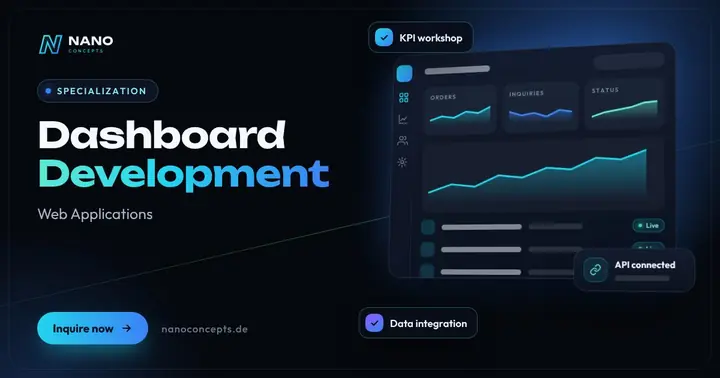
KPIs from ERP, CRM, store and Excel in one live dashboard – automatically up to date, easy to understand and with drill-down.
Learn more
IT Rollouts
Hardware, workstation and branch rollouts plus Windows migration – across Germany with partner teams on site.
Learn more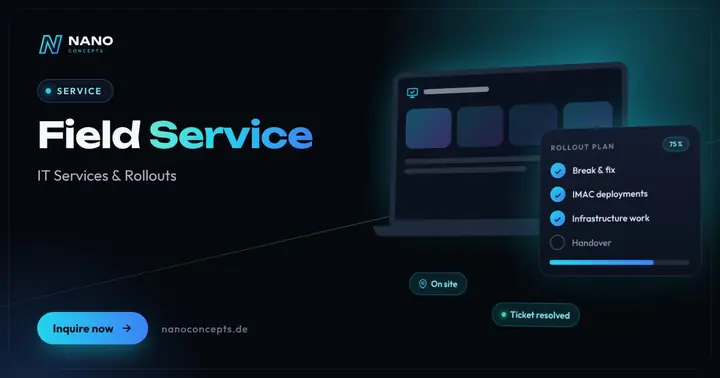
Field Service
On-site IT technicians for break & fix, IMAC and infrastructure – across Germany on request, cleanly documented.
Learn more
Maintenance & Support
Updates, monitoring, backups and further development – so websites, apps and software run reliably.
Learn moreRelated terms
Relevant for these industries
Related magazine articles

Outsourcing Field Service: When External IT Technicians Pay Off
Your own technicians at every location? For many companies, that’s not cost-effective. Here’s when external field service teams are the better choice, which billing models exist and what to put in the contract.
Read more
Windows 11 Migration for Businesses: How to Get It Right
Windows 10 left regular support on October 14, 2025. Here’s how to plan the move to Windows 11 with an inventory, testing and waves – without disrupting day-to-day business.
Read more
IT Rollout Planning: A 7-Step Checklist
Whether it's 50 workstations or 50 stores, a rollout stands or falls with its planning. These seven steps, with an effort table, a practical example and a checklist, keep devices on schedule and your business running.
Read more
