
What is speech recognition (speech-to-text)?
Speech recognition, also called speech-to-text or automatic speech recognition (ASR), converts spoken language into written text. Modern methods use neural networks and recognize speech, including technical terms and changing speakers, far more reliably than earlier systems.
Speech recognition: definition
Speech recognition translates audio into text, either live while speaking or afterward from a recording. It is the basis of dictation functions, automatic minutes, subtitles and voice assistants. It differs from speech synthesis, which goes the other way and outputs text as a voice.
Earlier systems had to be trained for individual speakers. Today’s models learn from very large amounts of speech data and cope with different voices, languages and devices. One well-known example is the open-source model Whisper; there are also services from the major cloud providers.
How speech-to-text works
The audio signal is split into short segments and converted into a sound profile. A neural network maps this profile to sounds, words and finally sentences, using knowledge of the language to choose the right word among similar-sounding ones. Many systems also add punctuation and capitalization.
Quality depends on the recording and the environment: microphone, background noise, dialect and technical vocabulary all play a role. Good solutions allow a custom dictionary for product and company names and can separate speakers on request, which matters for meeting minutes. Recording in a quiet environment with a good microphone often improves the result more than any software setting.
Real-world example: site report by voice message
A trades business has its installers speak their daily report into a smartphone on the job site. Speech recognition converts the recording into text, and a language model organizes it into work steps, materials used and anything unusual. The result appears as a draft in the job management system. In addition, photos of the site can be attached directly to the report.
The installer briefly reviews the draft and approves it. Evening paperwork disappears, documentation becomes more complete, and change orders are easier to substantiate. A dictionary with components and manufacturer names was important so that these are spelled correctly. After a short introduction, the installers used the function on their own because it was faster than typing.
Data protection, limits and implementation
Voice recordings often contain personal data. Conversations may only be recorded or transcribed with the knowledge and consent of those involved; with cloud services, data processing agreements and server location belong on the checklist. With noise, dialect or people talking over each other, the error rate stays higher, so important texts should be checked.
Nano Concepts integrates speech recognition into apps and workflows, from the dictation function to the phone assistant, and selects services by quality and data protection. We test with recordings from your daily work to see how well dialects, technical terms and background noise are recognized, and clarify whether processing should run locally or in the cloud.
- Define the purpose and audio quality (microphone, environment)
- Use a custom dictionary for technical and product terms
- Ensure consent and information for conversation partners
- Clarify server location, retention period and data processing agreement
- Check important transcripts before further use
Frequently asked questions about Speech recognition (speech-to-text)
Current models recognize German very well with clear recordings. Strong dialects, background noise, phone-line quality and many technical terms are harder. With a dictionary, good microphones and review afterward, even demanding use cases can be solved reliably.
Only with the knowledge and consent of those involved. Secret recordings are not permitted. For customer calls and meetings, you should inform people in advance, state the purpose and set the retention period. When in doubt, have your data protection officer review it.
Speech recognition only converts speech into text. A voicebot uses it as the first building block: it understands the request, formulates an answer and outputs it as a voice. Speech recognition is therefore part of a voicebot, but not the same thing.
Matching services
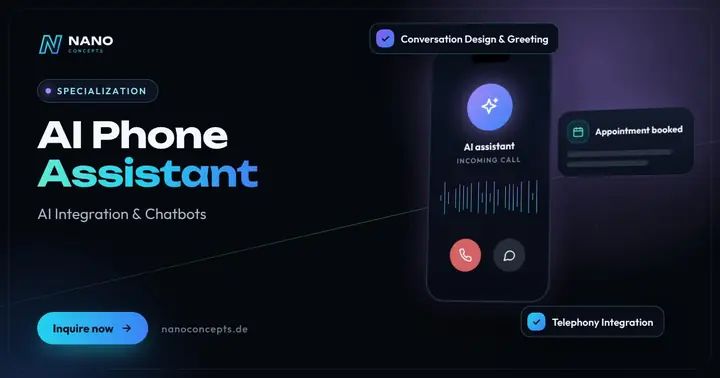
AI Phone Assistant
An AI phone assistant answers calls, handles standard questions, notes appointments and connects callers to your team when needed.
Learn more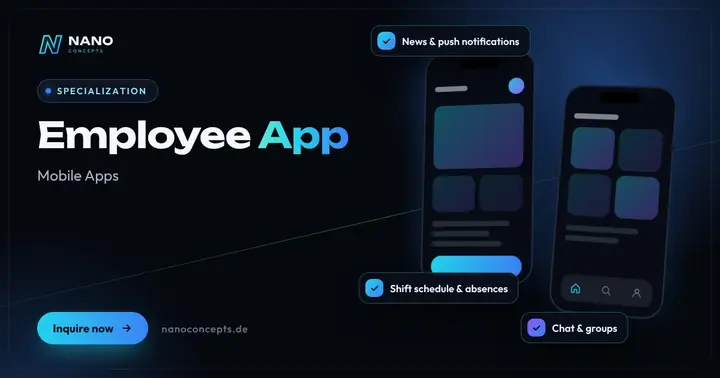
Employee App
Your own app for your team: news, chat, shift schedules, forms and documents – also for employees without a desk or PC.
Learn more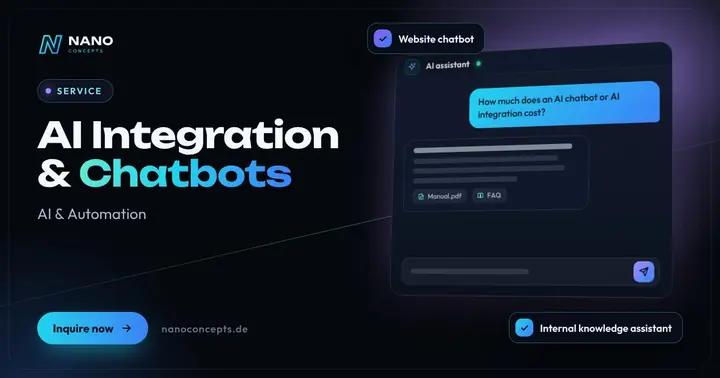
AI Integration & Chatbots
Chatbots, assistants and AI workflows that answer inquiries, analyze data and qualify leads.
Learn moreRelated terms
Relevant for these industries
Related magazine articles
Automating Business Processes: 5 Workflows to Start With
Sorting inquiries, coordinating appointments, retyping quotes: five workflows that can be automated in almost every company – with a prioritization guide, a practical example and the typical mistakes.
Read more
AI for SMEs: Where Chatbots and Assistants Really Help
AI pays off in mid-sized companies when it takes over a clearly defined task. Where chatbots and assistants relieve service, sales and knowledge work – and what data protection and the EU AI Act require.
Read more
AI Document Extraction: Process Invoices and Paperwork Automatically
AI can read invoices, delivery notes and orders, validate them and transfer them to your ERP – even without a fixed template. How it works, what e-invoicing changes and where the limits are.
Read more
