Solution · Doctors & medical practices

IT service for medical practices: reliable practice IT so operations keep running

We take care of practice IT around workstations, network, printers, backups and updates – so your team can focus on patients. Your TI service provider remains responsible for the telematics infrastructure; we coordinate with them.

Initial consultation freeService IT SupportIndustry Healthcare & Nursing
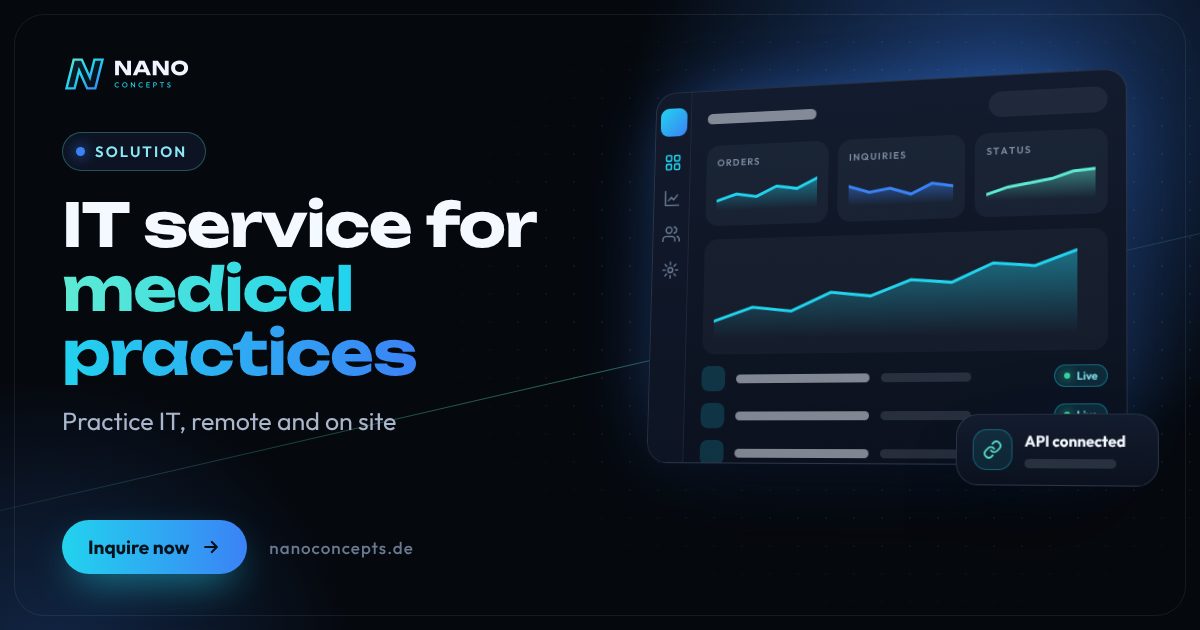
Featured image: IT service for medical practices
Short & clear

A good IT service for medical practices keeps the front desk, treatment rooms and practice network stable, provides updates and verified data backups and schedules larger work outside office hours. It takes into account the special protection needs of patient data and the IT security guideline of the National Association of Statutory Health Insurance Physicians (KBV), and coordinates with the responsible providers on the telematics infrastructure and practice software. Nano Concepts supports practices remotely and with partner teams on site; costs depend on scope, locations and time windows in an individual quote.

IT service for medical practices with Nano Concepts

In a medical practice, every IT disruption is noticed immediately: if the computer at the front desk fails, check-in stalls; if the label printer doesn’t print, samples wait in the lab; and without a network, test results and appointments are out of reach. An IT service provider for medical practices therefore has to do more than solve problems – it has to work in a way that disrupts practice operations as little as possible, with maintenance and conversions preferably outside office hours.

01

We look after general practice IT: workstations at the front desk and in the treatment rooms, network and Wi-Fi, printers and scanners, user accounts, updates and data backup. We solve many issues by remote access; for on-site visits to the practice, our partner teams from RELEDER and FAIMA IT Services step in. The connector, card terminals and other TI components are handled by your TI service provider – we coordinate with them and with the manufacturer of your practice management system.

02

For practices contracted with the statutory health insurance system, the IT security guideline of the National Association of Statutory Health Insurance Physicians (KBV) sets requirements, for example on updates, protection against malware, network security and data backup. We help you implement these points technically and document them in a traceable way. Together we go through the requirements relevant to your practice size, set priorities and record the measures taken in a clear overview. Responsibility for compliance remains with the practice; our notes do not replace legal advice.

Story

IT service for medical practices in 7 slides

Just swipe through: what matters, what the solution can do, and how we build it together.

01 / 07

Doctors & medical practices

IT service for medical practices. On site when it counts.

A good IT service for medical practices keeps the front desk, treatment rooms and practice network stable, provides updates and verified data backups and schedules larger work outside …

  • Free initial consultation
  • Across Germany with partner teams
  • Reply usually within 24 hours
nanoconcepts.de
02 / 07

Requirements

What really matters.

  1. 01Working without disrupting office hours
  2. 02Protection of patient data
  3. 03KBV IT security guideline
  4. 04Clear boundary with the telematics infrastructure
  5. 05Verified data backup
nanoconcepts.de
03 / 07

Features

What your solution needs to do.

Workstations for front desk and treatment roomsSetup, replacement and maintenance of PCs, monitors, printers and scanners – on site with …
Network and Wi-FiStructured practice network with a separate guest Wi-Fi, secured access and documented …
Updates and malware protectionScheduled updates for operating systems and applications as well as antivirus, coordinated …
nanoconcepts.de
04 / 07

Practical examples

Here's what that looks like day to day.

Primary care practice with an additional front desk workstationAn additional workstation is needed at the front desk.
Group practice with a network that grew over timeWi-Fi dropouts and a cluttered network slow down daily work.
Practice without a verified backupThe data backup has been running for years but was never tested.
nanoconcepts.de
05 / 07

Process

A clear process. No surprises.

  1. 01
    Initial consultation & practice checkWe record workstations, network, backups, software and the responsibilities …
  2. 02
    Individual quoteYou receive a quote based on scope, locations and time windows, for example …
  3. 03
    Assessment & safeguardingWe document the IT, close identified gaps and set up remote access and data …
  4. 04
    Ongoing supportWe resolve issues by remote access or with partner teams on site and, where …
nanoconcepts.de
06 / 07

Common question

Good question. Clear answer.

What does an IT service provider do for medical practices?

Nano Concepts

It looks after workstations, network, printers, user accounts, updates and data backup and helps with disruptions.

All questions & answers
nanoconcepts.de
07 / 07

Let's get started

Unlock your full potential.

In the free initial consultation, we assess your practice IT and show how support by remote access and on site fits your office hours.

TOGETHER. DIGITAL. SUCCESSFUL.

nanoconcepts.de
01 / 07

Requirements

What matters with IT service for medical practices

Working without disrupting office hours

Updates, conversions and larger maintenance should take place outside office hours so that the front desk and treatment can carry on.

Protection of patient data

Health data is subject to special protection and medical confidentiality – access rights, encryption and data backup have to match.

KBV IT security guideline

Practices contracted with the statutory health insurance system must implement the requirements of the guideline, including up-to-date systems, protection against malware and a secured network.

Clear boundary with the telematics infra­struc­ture

The connector and TI components lie with the TI service provider; the rest of the practice IT needs a partner who coordinates with them.

Verified data backup

Practice data must be backed up regularly – and only a restore test shows whether the backup works when it counts.

Features

These are the features we build for you

Workstations for front desk and treatment rooms

Setup, replacement and maintenance of PCs, monitors, printers and scanners – on site with our partner teams.

Network and Wi-Fi

Structured practice network with a separate guest Wi-Fi, secured access and documented configuration.

Updates and malware protection

Scheduled updates for operating systems and applications as well as antivirus, coordinated with the requirements of your software vendor.

Data backup with restore testing

Setup and monitoring of your backups, including regular checks that data can actually be restored.

Remote support for the practice team

Fast help from a distance for user accounts, printer problems or software errors.

Docu­menta­tion for IT security

Overview of devices, network, access and measures – helpful when implementing the KBV guideline.

Practical examples

Here's what that looks like day to day

Primary care practice with an additional front desk workstation

An additional workstation is needed at the front desk. The partner team sets it up after office hours end; the connection to the practice management system is made in coordination with the manufacturer.

Group practice with a network that grew over time

Wi-Fi dropouts and a cluttered network slow down daily work. We assess the network, restructure it and document the changes.

Practice without a verified backup

The data backup has been running for years but was never tested. We test the restore, set up a new backup if needed and monitor it going forward.

Process

Four steps to your solution

  1. Initial consultation & practice checkWe record workstations, network, backups, software and the responsibilities of TI and software providers.
  2. Individual quoteYou receive a quote based on scope, locations and time windows, for example for visits outside office hours.
  3. Assessment & safeguardingWe document the IT, close identified gaps and set up remote access and data backup.
  4. Ongoing supportWe resolve issues by remote access or with partner teams on site and, where needed, coordinate with your TI service provider.
On site & remote

IT support in your city

We support companies across Germany – remotely and, where needed, on site. Choose your city:

FAQ

Frequently asked questions about IT service for medical practices

It looks after workstations, network, printers, user accounts, updates and data backup and helps with disruptions. At Nano Concepts this happens by remote access and on site with our partner teams. Work on the telematics infrastructure is handled by your TI service provider, with whom we coordinate.

Your TI service provider is responsible for the connector, card terminals and other TI components, often in connection with the manufacturer of your practice management system. We do not take on this work. We take care of the rest of the practice IT and coordinate, for example when network changes are planned.

That depends on the number of workstations, locations, the scope of support you want and the time windows, such as visits outside office hours. After the free initial consultation you receive an individual quote.

Yes, we support the technical implementation, for example for updates, malware protection, network and data backup, as well as the documentation. Responsibility for compliance remains with the practice. Our notes do not replace legal advice.

We prefer to schedule larger work such as conversions, updates or new workstations outside office hours. Which time windows are possible, we define together in the quote.

Yes, general practice IT is set up similarly in dental, physical therapy or psychotherapy practices. There too, industry software and TI components are handled by the respective manufacturers and service providers, with whom we coordinate.

14 · Scenario · approx. 50 seconds

The nephew does the IT

Peter's IT is run by his nephew – when he has time. Then on Tuesday everything stops. With IT service up to 3rd level, remote or on site, IT simply works.

ServiceIT service & supportForLaw firms, practices & SMEs
Read transcript

Peter’s IT department?
His nephew.
When he has time.
Passwords on the monitor.
Updates? Pending for weeks.
Documentation: none.
Tuesday: nothing works.
Five people. Zero work.
Here’s what’s going wrong.
Every hour of downtime costs real money.
NANO CONCEPTS takes over the IT.
Support up to 3rd level.
Remotely or on site.
And suddenly:
IT that just works.
Peter gets to work.
The nephew is back to gaming.
And the IT? Just works.

Get the right quote in 60 seconds

Needs analysis: IT service for medical practices

Answer a few short questions – we usually get back to you within 24 hours with an initial assessment.

Request a project