Specialization · Process Automation

Sales Automation: Capture Inquiries Instantly, Follow Up Consistently

We automate the path from first inquiry to signed quote: forms, chat and email land in the CRM in structured form, leads are scored and assigned, and reminders and follow-ups run on their own. Your sales team spends its time on conversations instead of retyping data, searching and chasing.

Initial consultation freeQuote transparent, fixed price if preferredArea Process Automation
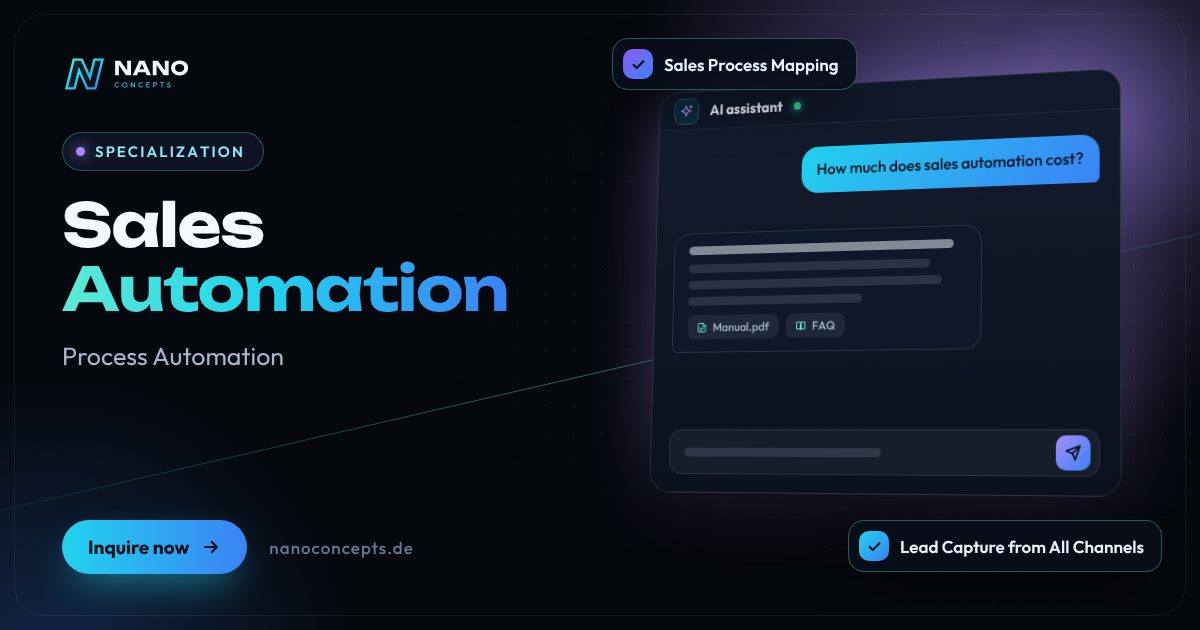
Featured image: Sales Automation
Short & clear

Sales automation means executing recurring sales steps automatically: transferring inquiries from website, chat and email into the CRM, qualifying and assigning leads by fixed criteria or with AI, triggering replies, reminders, follow-ups and quote drafts, and making the pipeline visible in reports. Nano Concepts implements this with CRM systems such as HubSpot or Pipedrive, workflow platforms such as n8n or Make, or a custom CRM solution. The Professional package from €8,000 is typical; sales-wide automation across several teams and systems is priced individually as an Enterprise project – the specific quote follows after the free initial consultation.

Sales automation with Nano Concepts

Sales automation starts where revenue is lost in day-to-day business: an inquiry arrives through the contact form, sits in the shared inbox until the next morning, is then transferred to the CRM by hand – and the promised follow-up after a week gets lost in the daily grind. We automate this chain. Inquiries from website, chat, email and phone notes land in the CRM instantly and in structured form, prospects receive a fitting confirmation, and the responsible person sees the new lead along with its source and request. Reminders, follow-up tasks and follow-ups run according to fixed rules.

01

The second lever is qualification. Fixed criteria such as industry, deal size or region and, on request, a language model that evaluates free-text inquiries classify every lead: Does it fit the target profile, how urgent is it, which team is responsible? The next automations then kick in – a scheduling link for the initial call, a quote draft built from templates and CRM data, a reminder when no reply comes. A person still decides on prices and commitments. Pipeline reporting shows how many inquiries come from which channel, where they get stuck and which quotes are still open.

02

Whether HubSpot, Pipedrive, an existing CRM or a custom solution: we work with your system and connect it via n8n, Make or interfaces to your website, inbox, calendar and accounting. We bring practical experience from client projects – on the website of Oki's Knusperhähnchen, for example, a chat assistant and structured contact forms take inquiries around the clock. We send promotional emails only to contacts who have given consent, for example via double opt-in. How the German Unfair Competition Act (UWG) and GDPR apply to your specific workflows, please clarify with your legal counsel; our technical implementation does not replace legal advice.

Story

Sales automation in 10 slides

Just swipe through: what Sales automation delivers, what we build for you, and how other companies benefit.

01 / 10

Specialization · Process Automation

Sales Automation. Work that gets itself done.

Sales automation means executing recurring sales steps automatically: transferring inquiries from website, chat and email into the CRM, qualifying and assigning leads by fixed criteria or …

  • Free initial consultation
  • Transparent, fixed price if you like
  • Reply usually within 24 hours
nanoconcepts.de
02 / 10

How you can tell

Does this sound familiar?

Typical signs that Sales automation is worth it:

  1. 01Inquiries sit in the inbox overnight or over the weekend before anyone answers.
  2. 02Your sales team types contact details from emails and forms into the CRM by hand – if at all.
  3. 03Quotes go out, but whether anyone follows up depends on whether someone set a reminder.
  4. 04Nobody can say for sure which channel the good inquiries come from and where sales …
nanoconcepts.de
03 / 10

Your benefit

What you get out of it.

Faster to the CustomerProspects get an immediate response and an appointment soon after, while other providers …
Systematic Follow-UpFollow-up tasks and follow-ups happen according to plan and not just when someone happens …
More Time for ConversationsYour sales team spends less time on data entry and more time on consulting, negotiating and …
nanoconcepts.de
04 / 10

Scope of services

What we deliver for you.

Inquiries land in the CRM in structured form, leads are qualified, follow-ups and quotes run automatically …

  1. Sales Process Mapping
  2. Lead Capture from All Channels
  3. Lead Scoring & Assignment
  4. Follow-up & Reminder Sequences
  5. Quote Automation
  6. Pipeline Reporting
nanoconcepts.de
05 / 10

Use cases

Here's what that looks like in practice.

Healthcare & CareA supplier of medical practice supplies qualifies inquiries from practices by specialty and need and books consultation …
Real EstateA real estate agency assigns prospect inquiries to the matching property, sends the brochure and viewing link …
Finance & InsuranceA financial advisor has inquiries from their online calculator transferred to the CRM and callbacks scheduled in a …
nanoconcepts.de
06 / 10

In practice

Not just talk. Actually built.

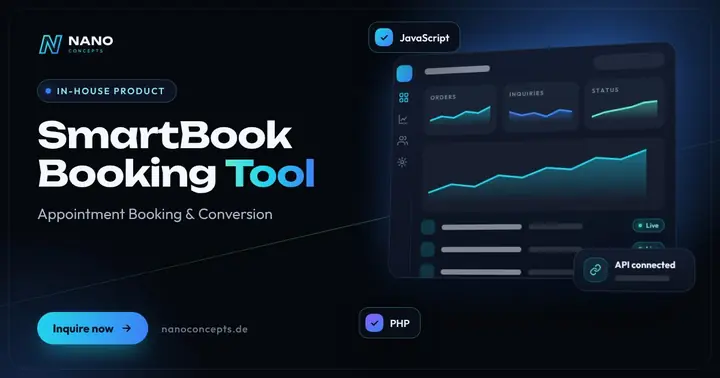
SmartBook Booking ToolCalendly-style appointment booking – right on your website, custom-configured, with automatic reminders.
nanoconcepts.de
07 / 10

Process

A clear process. No surprises.

  1. 01
    Map the Sales PathWe analyze channels, CRM usage, handoffs and response times and mark the …
  2. 02
    Define Rules & Target StateTogether we define lead criteria, responsibilities, follow-up cadence and …
  3. 03
    Build the AutomationsWe implement capture, scoring, sequences and quote templates in your CRM …
  4. 04
    Pilot with One TeamOne sales team works with the new workflows first; we fine-tune rules and …
nanoconcepts.de
08 / 10

Common question

Good question. Clear answer.

How much does sales automation cost?

Nano Concepts

Automating a complete sales path – lead capture, qualification, follow-ups and reporting in your CRM – typically falls under the Professional package from €8,000.

All questions & answers
nanoconcepts.de
09 / 10

Packages

Three packages. One plan.

  • Starterfrom €2,500Ideal for landing pages, simple web applications and prototypes.
  • Professionalfrom €8,000For complex web applications, portals and tailor-made software …
  • EnterpriseCustomFor large projects, system landscapes and long-term development …

Non-binding guidance – you will receive your quote after the free initial consultation. View pricing

nanoconcepts.de
10 / 10

Let's get started

Unlock your full potential.

Tell us about your project – we usually get back to you within 24 hours with an initial assessment.

TOGETHER. DIGITAL. SUCCESSFUL.

nanoconcepts.de
01 / 10

Typical signs that Sales automation is worth it

  • Inquiries sit in the inbox overnight or over the weekend before anyone answers.
  • Your sales team types contact details from emails and forms into the CRM by hand – if at all.
  • Quotes go out, but whether anyone follows up depends on whether someone set a reminder.
  • Nobody can say for sure which channel the good inquiries come from and where sales opportunities peter out.
  • Your salespeople spend more time on lists and data maintenance than on customer conversations.
Scope of services

What we deliver for you

Inquiries land in the CRM in structured form, leads are qualified, follow-ups and quotes run automatically – through to closing.

Sales Process Mapping

We map the path from first contact to closing – with all channels, handoffs, waiting times and the points where leads get lost.

Lead Capture from All Channels

Forms, chat, email, appointment bookings and phone notes are automatically created as a contact and sales opportunity in the CRM, including duplicate checks.

Lead Scoring & Assignment

Rules and, on request, AI score inquiries by fit and urgency and assign them to the right team or territory.

Follow-up & Reminder Sequences

Confirmation, scheduling link, reminders and follow-up tasks run on rules that your team can pause or adjust at any time.

Quote Automation

Quote drafts are generated from templates, product data and CRM fields and, after your approval, go to the customer as a PDF or a link for digital signature.

Pipeline Reporting

A dashboard shows inquiries per channel, response times, open quotes and close rates – without an Excel export at the end of the month.

Your benefits

Why companies choose us

Faster to the Customer

Prospects get an immediate response and an appointment soon after, while other providers are still sorting their inboxes.

Systematic Follow-Up

Follow-up tasks and follow-ups happen according to plan and not just when someone happens to remember.

More Time for Conversa­tions

Your sales team spends less time on data entry and more time on consulting, negotiating and closing.

Pipeline at a Glance

Management and sales leadership can see at any time which channels bring in inquiries and where sales opportunities get stuck.

Use cases

Sales automation in your industry

Here's what Sales automation looks like in typical industries – concrete examples from everyday business.

Industry & Manu­fac­turing

A machine builder has inquiries from its website and trade-show conversations automatically distributed to the responsible field sales rep by product line and region, and follows up on schedule after the quote.

Learn more

Retail & E-Commerce

A wholesaler automatically sends new customers their terms and contact person after registration and reminds inside sales when the first order fails to appear.

Learn more

Logistics

A logistics provider captures freight inquiries in structured form, automatically checks required details such as dimensions and dates and generates a quote draft from them for dispatch.

Learn more

Healthcare & Care

A supplier of medical practice supplies qualifies inquiries from practices by specialty and need and books consultation appointments directly through a booking link.

Learn more

Real Estate

A real estate agency assigns prospect inquiries to the matching property, sends the brochure and viewing link automatically and reminds the agent to follow up after the viewing.

Learn more

Finance & Insurance

A financial advisor has inquiries from their online calculator transferred to the CRM and callbacks scheduled in a sensible order; advice and recommendations remain with a person.

Learn more

Services & Consulting

An IT consultancy has a conversation note, a quote task and a follow-up appointment created automatically after every initial call, so nothing falls through the cracks between two projects.

Learn more

Skilled Trades

A skilled-trades business receives inquiries with photos, dimensions and preferred dates through a structured form and sends on-site appointments and quote reminders automatically.

Learn more

Startups

A SaaS startup connects trial accounts, product usage and CRM so that sales can approach active trial users at the right moment.

Learn more

Education & Research

A continuing-education provider automatically answers course inquiries with dates and information on funding options and reminds prospects before the registration deadline.

Learn more

Tourism & Hospitality

An event venue qualifies party inquiries by date, guest count and budget and automatically sends matching packages along with a viewing appointment.

Learn more

Media & Creative Industries

A publisher distributes advertising inquiries by title and region to the media consultants and reminds them of open quotes shortly before the ad deadline.

Learn more
Process

How your project works

  1. Map the Sales PathWe analyze channels, CRM usage, handoffs and response times and mark the points where inquiries get stuck.
  2. Define Rules & Target StateTogether we define lead criteria, responsibilities, follow-up cadence and the moments when a person decides.
  3. Build the AutomationsWe implement capture, scoring, sequences and quote templates in your CRM, with n8n, Make or custom software, and test them with real sample inquiries.
  4. Pilot with One TeamOne sales team works with the new workflows first; we fine-tune rules and texts based on their feedback.
  5. Rollout & ReportingAfter approval, all channels go live, the pipeline dashboard runs, and we optimize the sequences based on the data.

Technologies & tools

HubSpotPipedriven8nMakeClaudeOpenAI APIMicrosoft Graph APIWebhooksLaravelPostgreSQL
FAQ

Frequently asked questions about Sales automation

Automating a complete sales path – lead capture, qualification, follow-ups and reporting in your CRM – typically falls under the Professional package from €8,000. Individual sequences, such as from the contact form into the CRM with a confirmation, can start in the Starter package from €2,500; solutions across several teams, countries or systems are priced individually as an Enterprise project. Licenses for the CRM or workflow platform are added depending on the tool – you will receive your exact quote after the free initial consultation.

The steps that do not need a person are automated: transferring data, assigning, reminding, filling in templates. Conversations, consulting, price negotiation and commitments stay with your team, and every automated message sounds like your company instead of a mass mailing. That way, your sales team gains time precisely for personal contact.

First sequences such as automatic lead capture are often productive after just a few weeks. Lead scoring, quote automation and reporting follow in stages, depending on the data quality in the CRM and the number of connected systems. We set the schedule with milestones after analyzing your sales path.

Not necessarily. We also automate with your existing CRM, provided it offers an interface, or develop a custom CRM solution if standard systems do not fit your workflows. For many SMEs, HubSpot or Pipedrive combined with n8n is a fast and economical route.

A language model reads the inquiry, identifies the request, scope and urgency, and fills in missing fields in the CRM; fixed rules additionally check the result. This produces a rating with a brief rationale that your team can see and correct. Inquiries are assigned faster this way, while the decision on how to proceed stays with sales.

Whether a follow-up email counts as advertising depends on the individual case; promotional emails generally require express consent, which is usually obtained via double opt-in. We build consent, unsubscribe and documentation cleanly into the sequences. Please clarify the legal classification of your workflows under the German Unfair Competition Act (UWG) and GDPR with your legal counsel, because our implementation does not replace legal advice.

Related

Related services

Digital Glossary

Terms related to Sales automation, briefly explained

Magazine

Read more

07 · Scenario · approx. 50 seconds

The quote that takes three days

47 enquiries on Monday, every quote by hand – done by Wednesday, and the customer has long signed elsewhere. With an automated quoting process, the quote goes out in minutes.

ServiceAI automation in salesForB2B, retail & service providers
Read transcript

This is Jana.
Inside sales.
Monday: 47 new inquiries.
Every quote: by hand.
Find prices. Copy. Calculate.
Done? Wednesday.
Mr. Berg has long since signed elsewhere.
Whoever replies first wins.
Here’s what’s going wrong.
Slow means: lost.
NANO CONCEPTS automates the quoting process.
The AI reads the inquiry.
Pulls prices. Writes the draft.
Jana reviews. One click.
Quote sent: in minutes, not days.
This time Jana is first.
And she lands the deal.

Get the right quote in 60 seconds

Needs analysis: Sales Automation

Answer a few short questions – we usually get back to you within 24 hours with an initial assessment.

Request a project